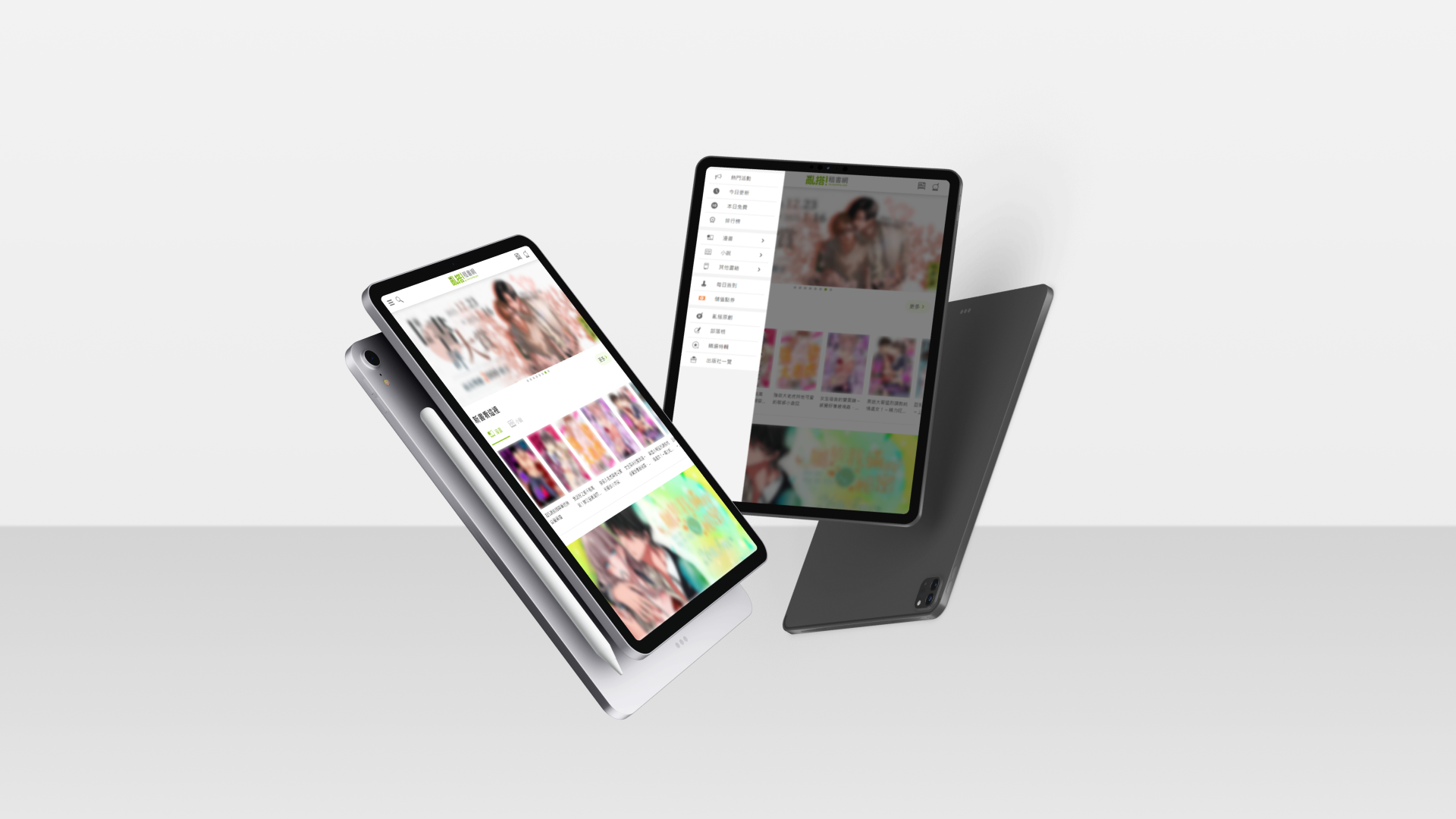
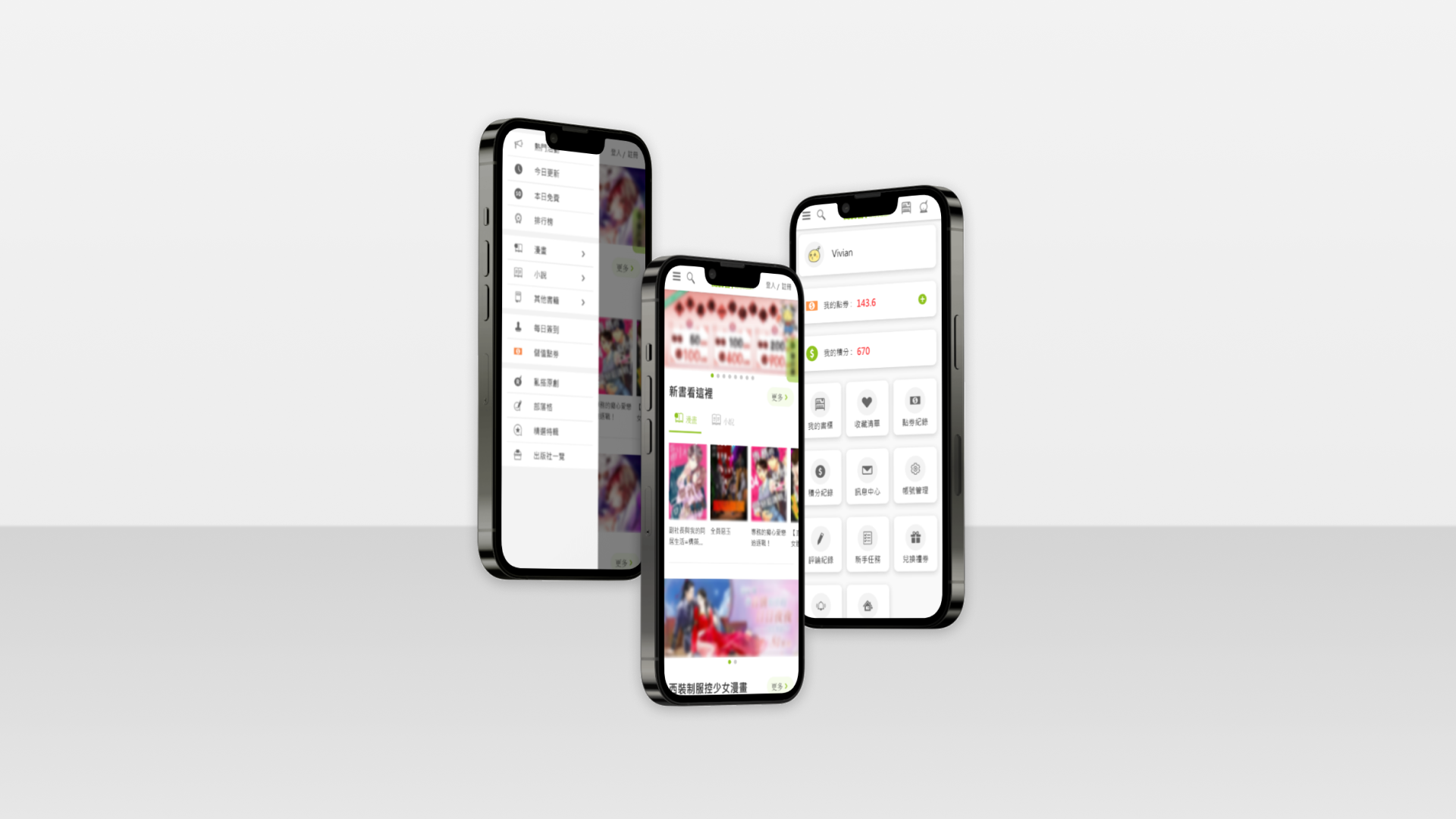
Renta e-books RWD Web UI/UX Redesign

2021-2022
Duration

A year

My Role

UI designer

Responsibility

UI/UX design

Product

E-book website

Story

Why are we doing a redesign?
For User Experience
Simplify the processes.

➡ Simplify the processes of searching, reading, and purchasing books, improving the overall user experience.

For Technical Structure
Overcome the technical limitations of the current product.

➡ Planning to modularize website UI components, separate front-end and back-end programming, and make it responsive for increased site maintenance and usability.

For Business Model
Diversify the marketing strategies from the existing business model, addressing pain points in sales and providing users with more choices.

➡ Planning to revamp the points system to one decimal place, making product prices equivalent to Taiwanese units (0.1 point = 1 NTD), and redesigning the marketing public page.

For Brand Image
Integrate the corporate style and reinforce the brand image.

➡ The old version of the website content no longer aligns with the current brand image. Planning a redesign for footer service content, the About Us page, and the Terms of Service page.
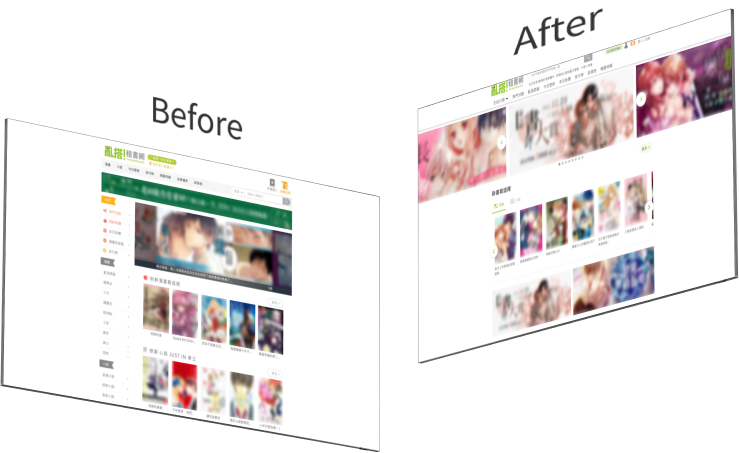
Before And After

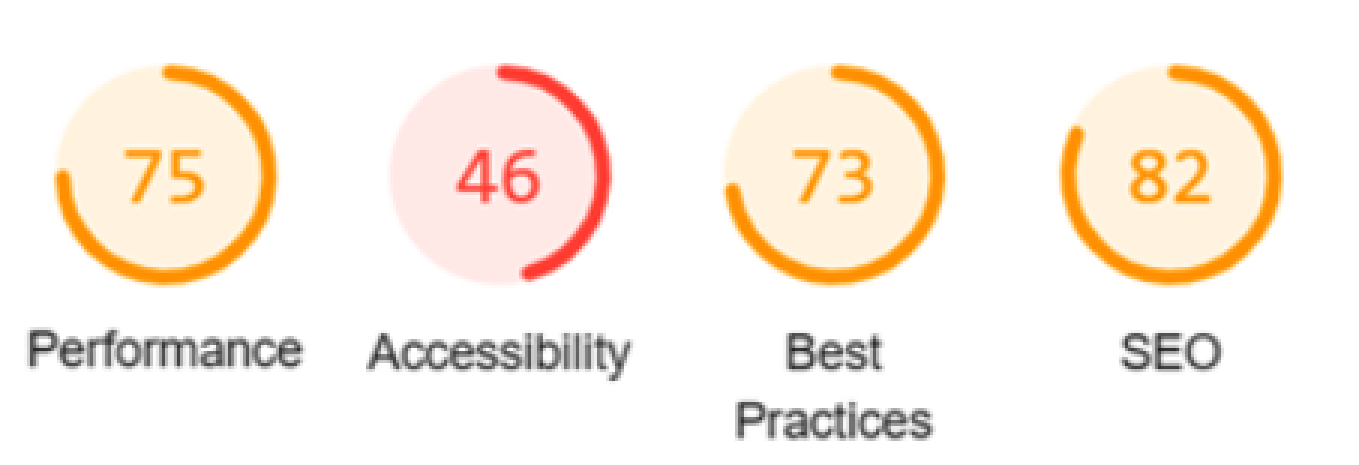
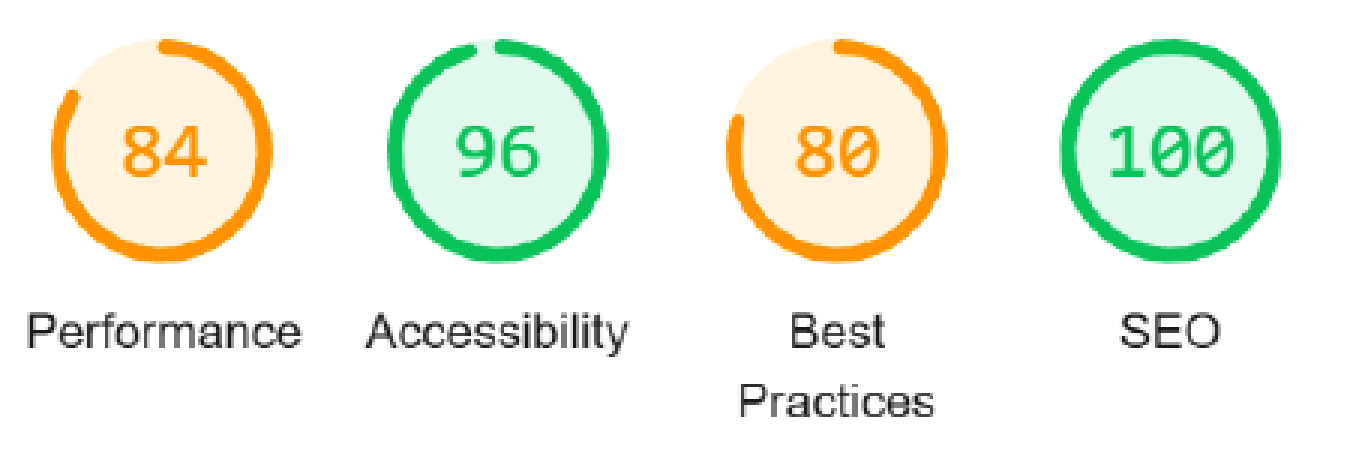
1. Google Lighthouse Desktop Scoring*:

Before: The score is about 69
After: The score is about 86

*Google Lighthouse metrics offer key insights into website quality by focusing on performance, accessibility, and SEO.It provides comprehensive audits, identifying technical areas for improvement.
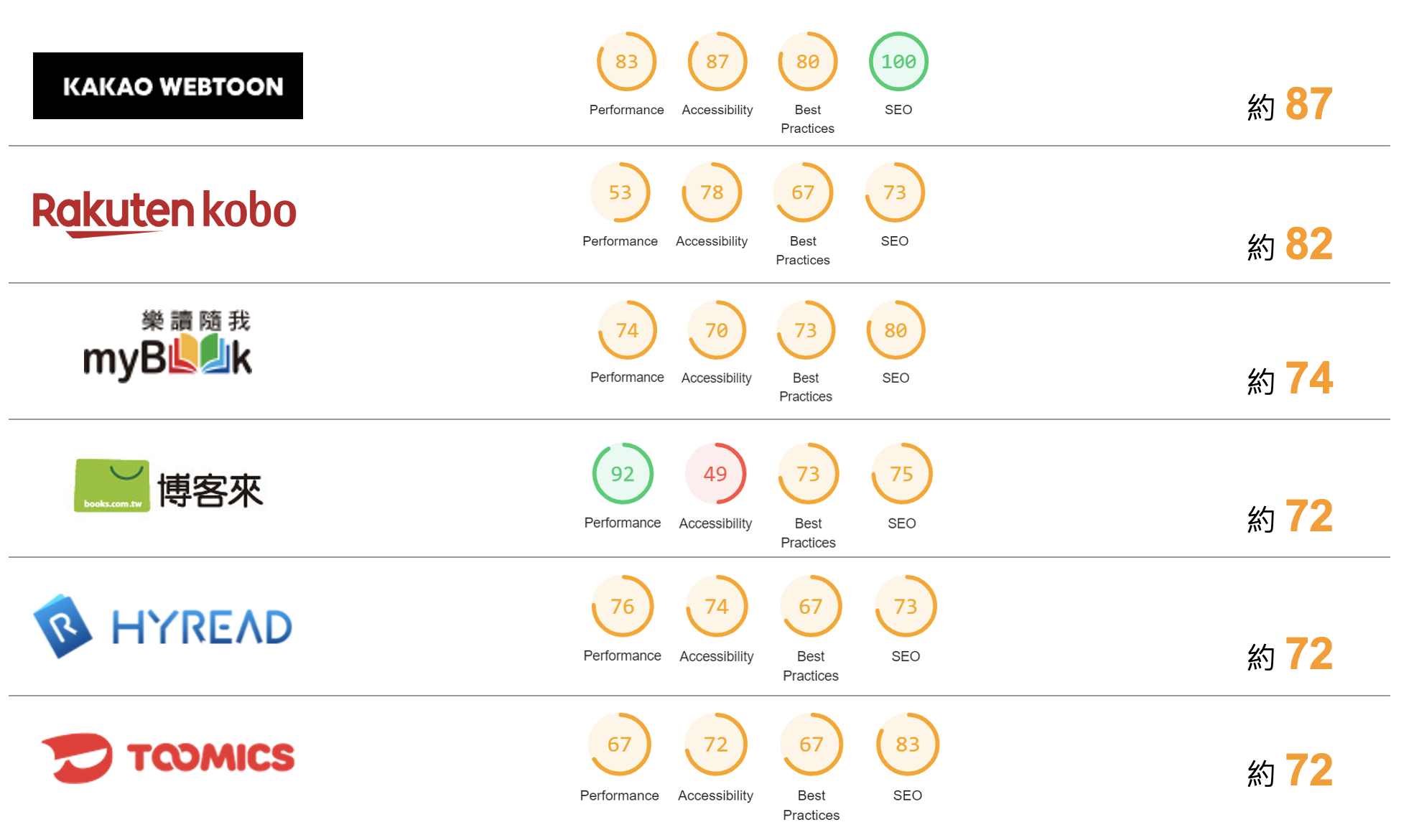
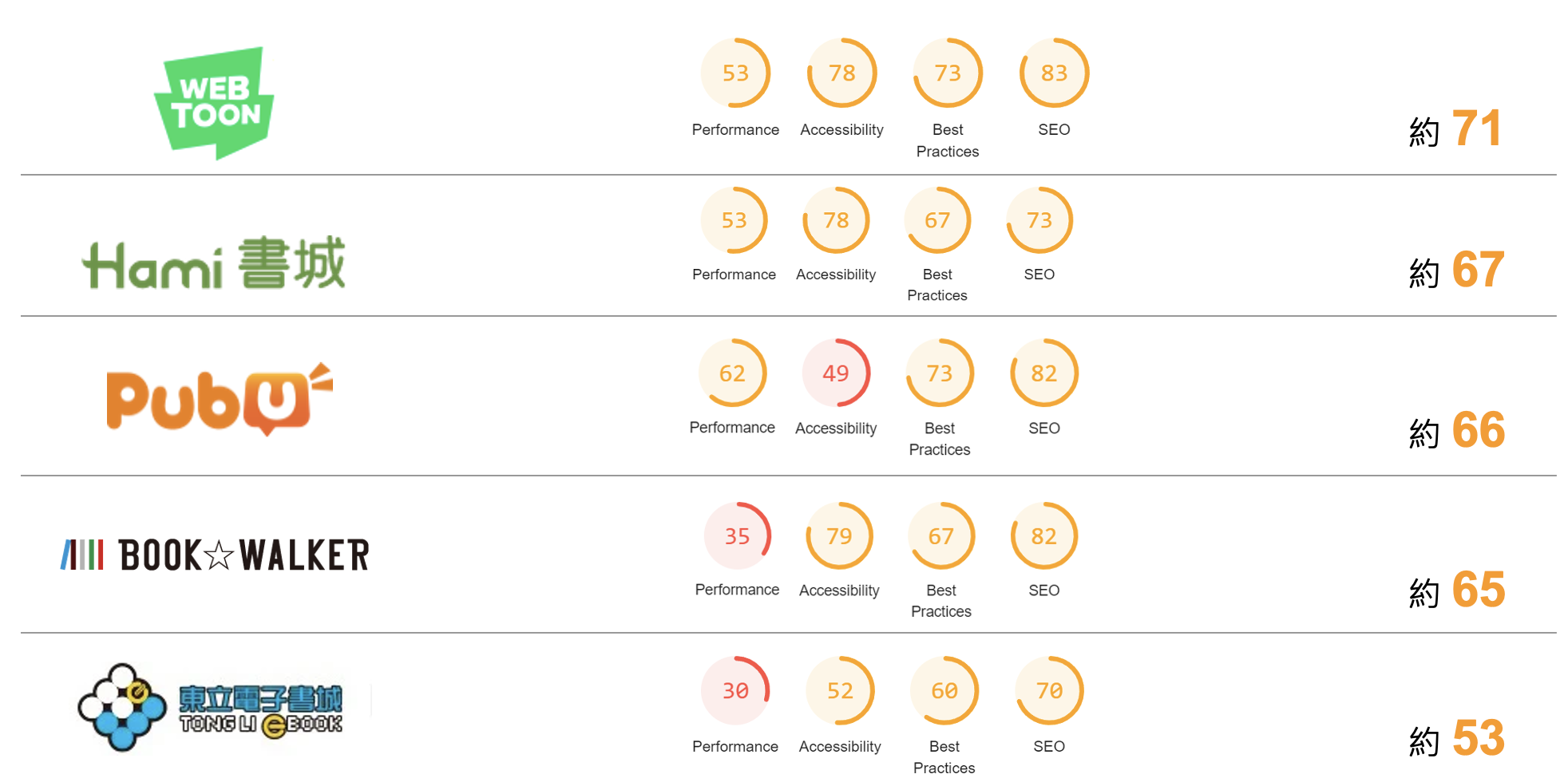
Competitive Analysis Google Lighthouse Desktop Scoring

2. Google Analytics Comparison for Index

(Year-over-Year Comparison)

Index after Redesign:
Exit Rate

decreased 19.34% ↓

Bounce Rate

decreased 9.52% ↓

Index pageviews

increased 5.79% ↑

Study

1
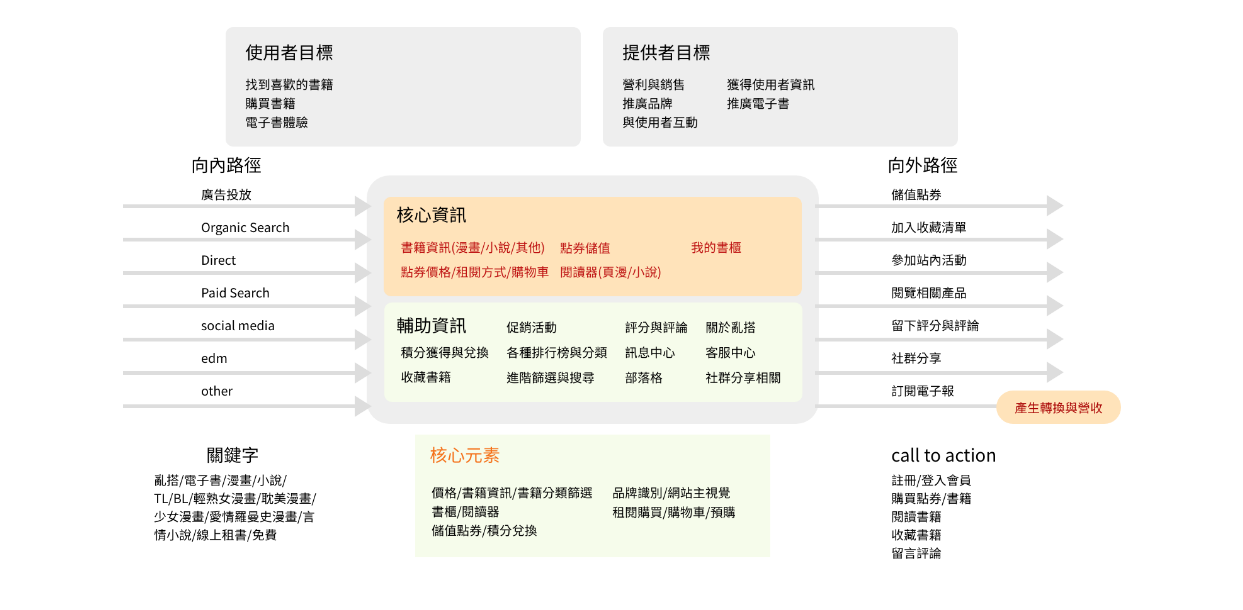
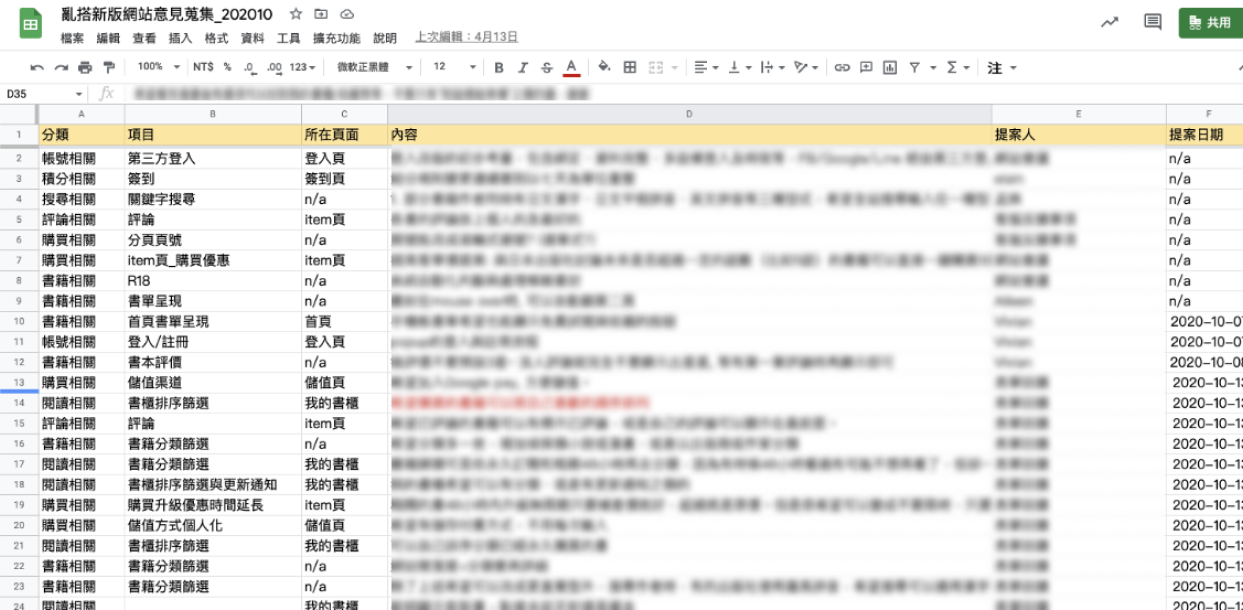
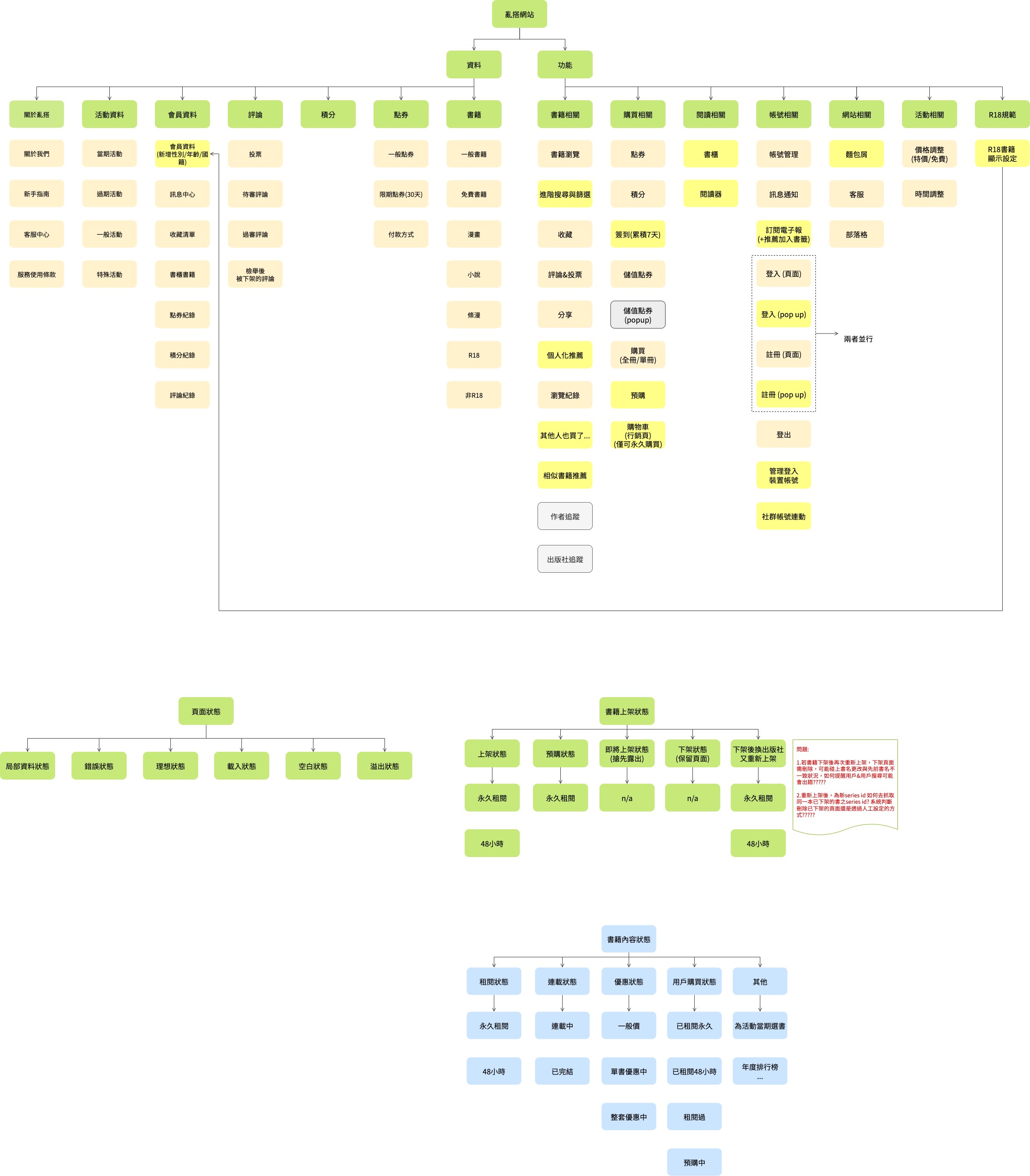
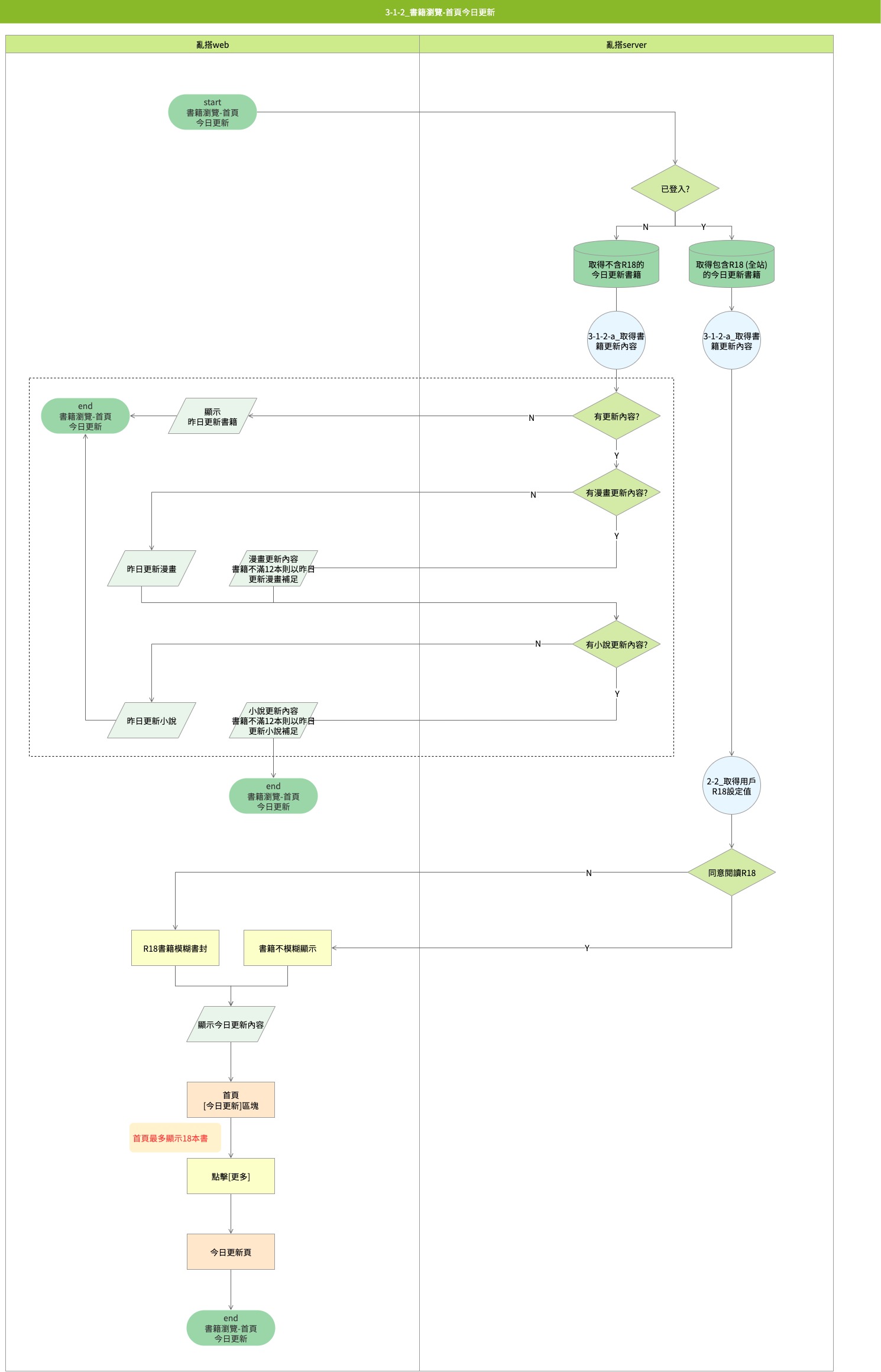
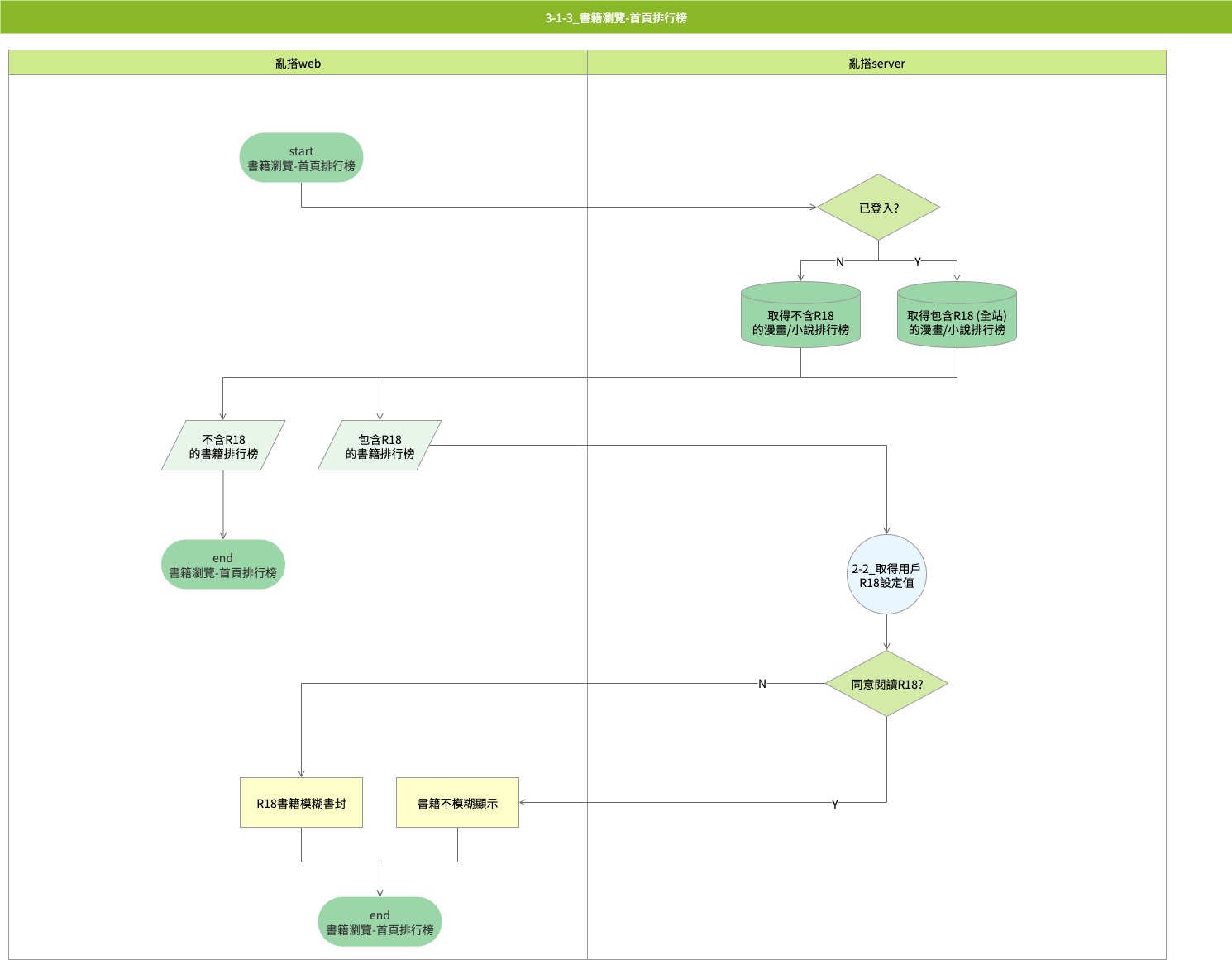
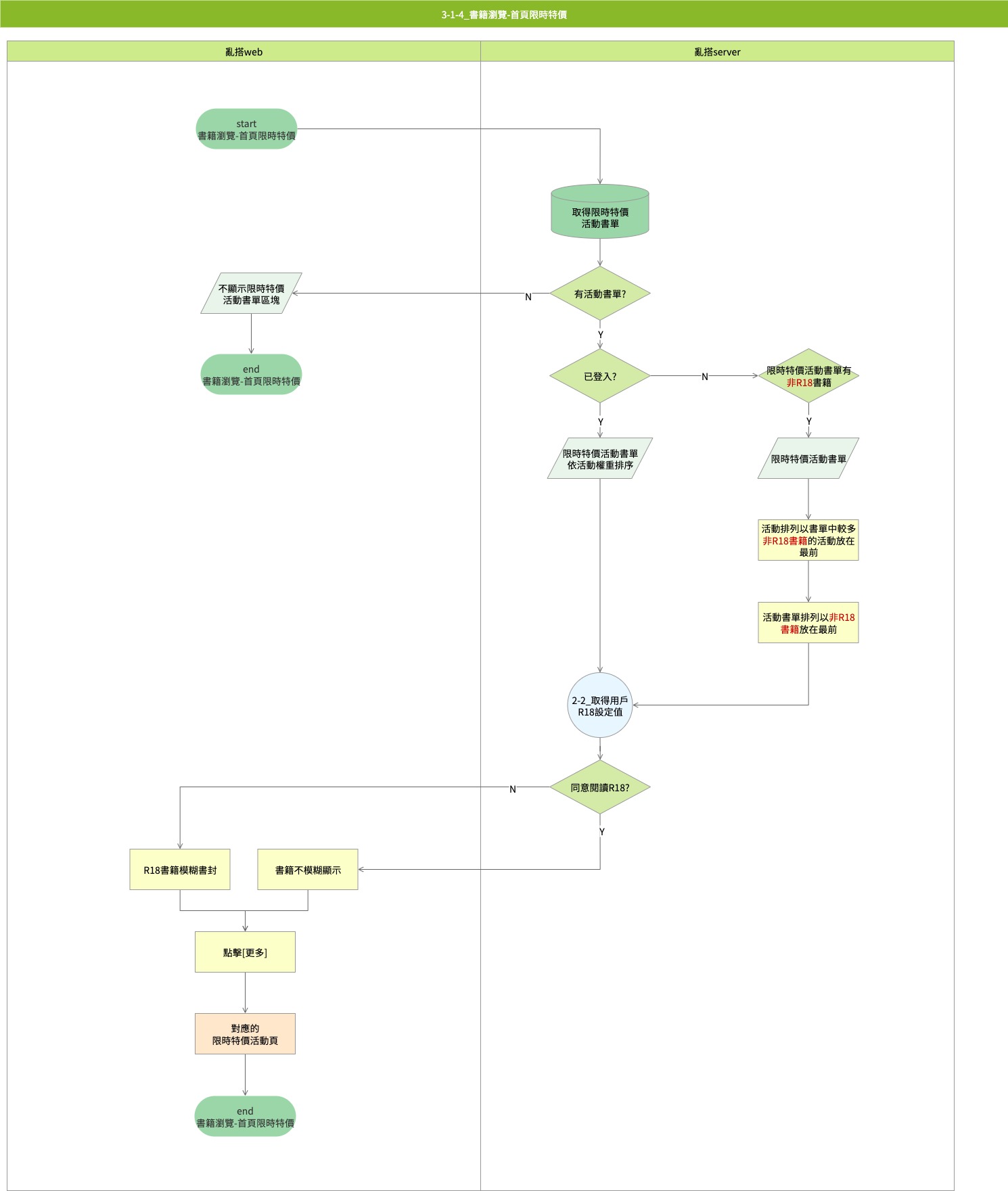
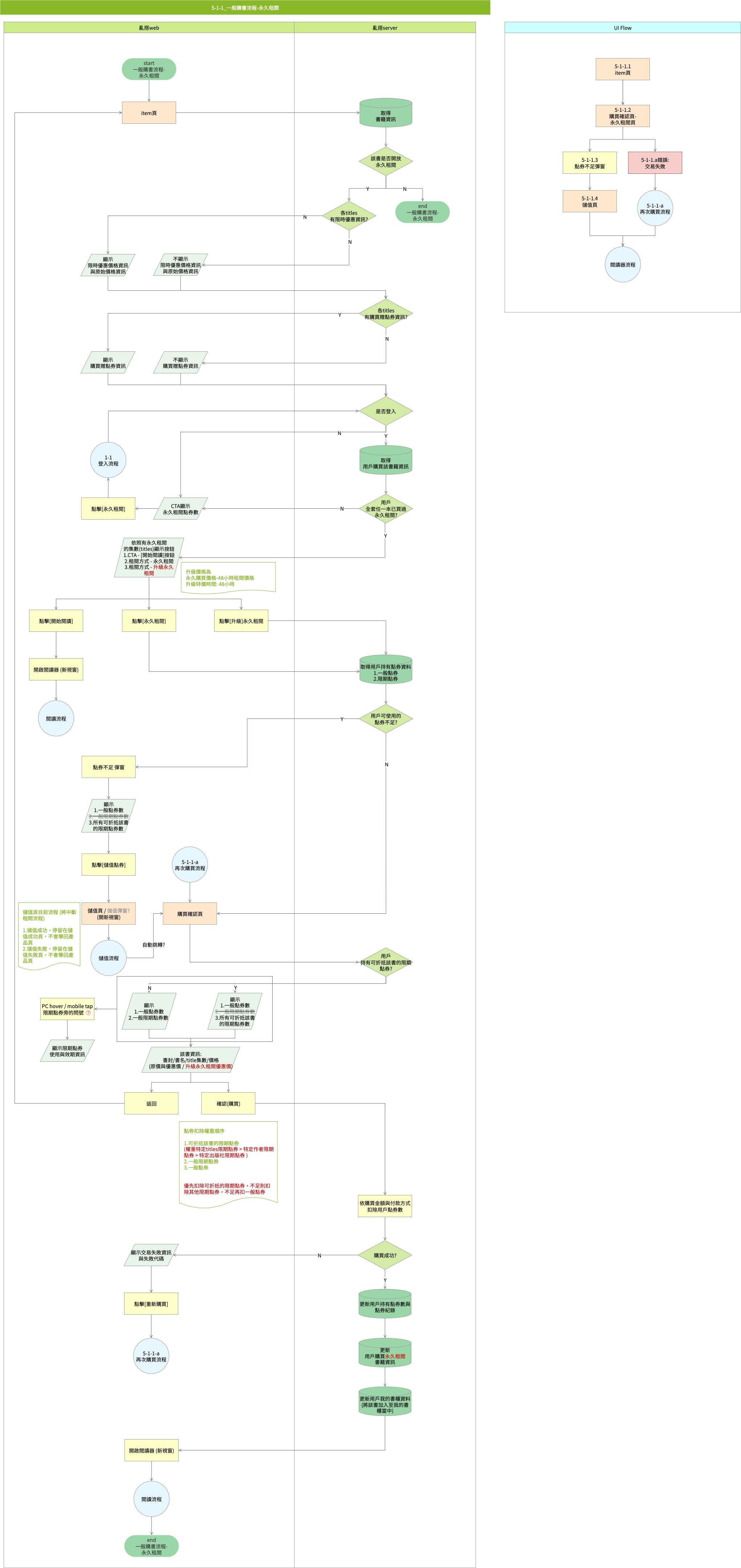
I created the core path diagram and functional map for the site, and initiated an internal survey to gather feedback from colleagues regarding issues they observed on the site.
2
I analyzed the existing Google Analytics report data to guide the redesign.
3
I integrated various suggestions, consolidating future directions and features for the redesign.
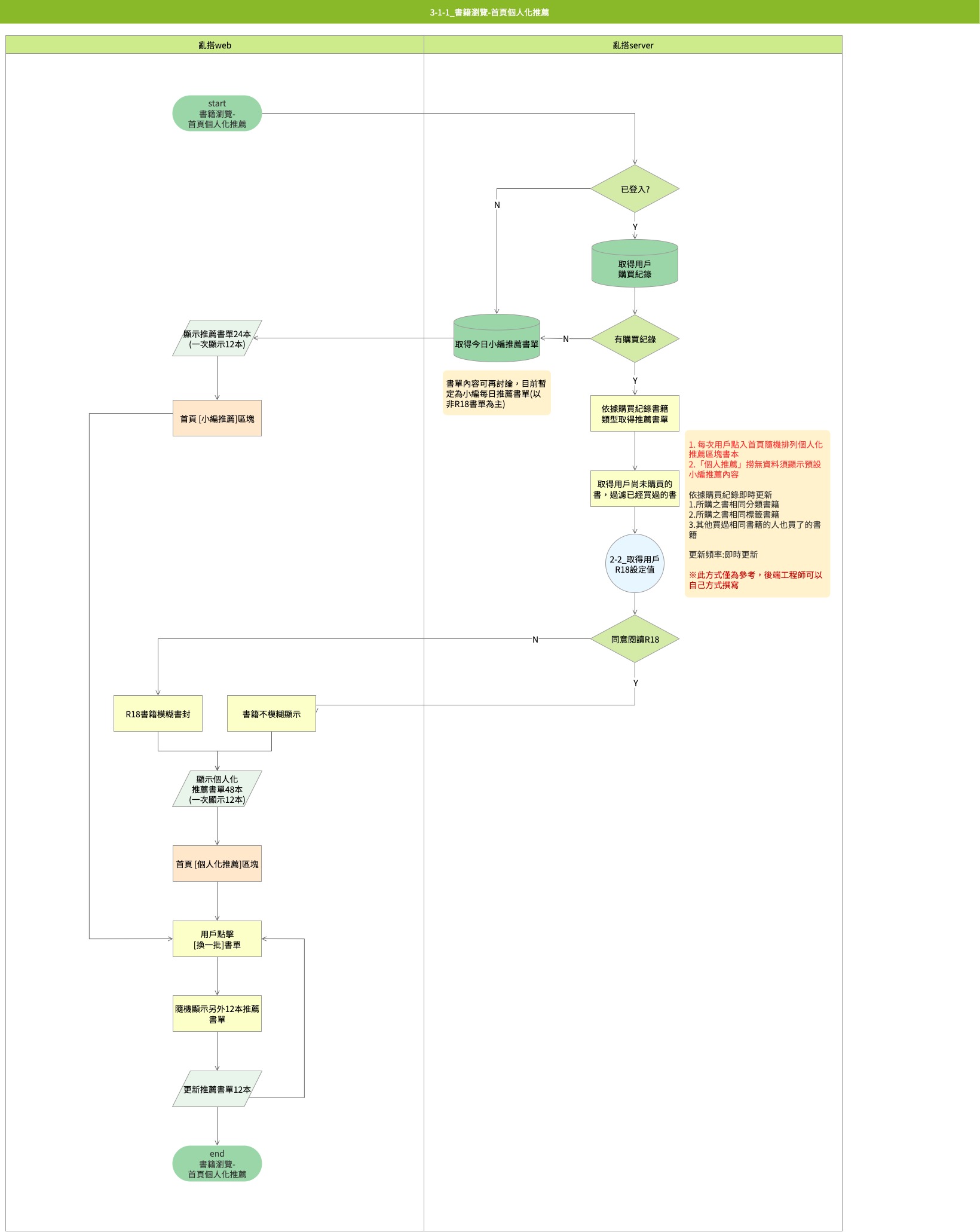
The core path diagram :
Internal survey:

Target

Why are we doing a redesign?
For user:
1
Increase the retention rate and engagement of existing customers.
2
Improve the retention rate and conversion rate of new customers.
3
Simplify the page by reducing redundant and duplicate information to lower the user selection threshold.
For Renta Taiwan:
1
Optimize user interface (Responsive Web Design) to enhance website efficiency and ease of maintenance.
2
Optimize user experience to improve SEO ranking.
3
Redesign website to reinforce brand image.

Design

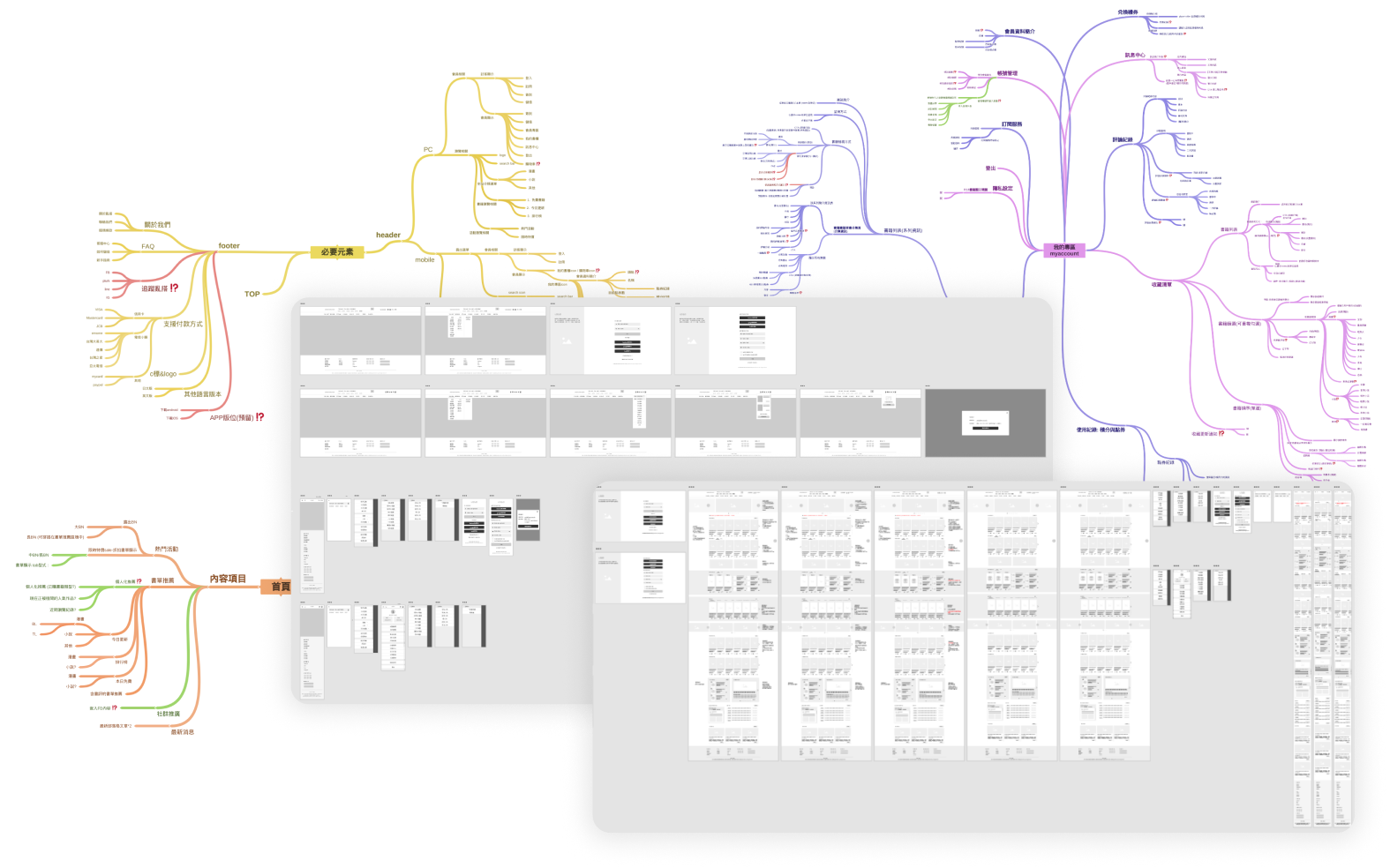
Wireframe and Functional map

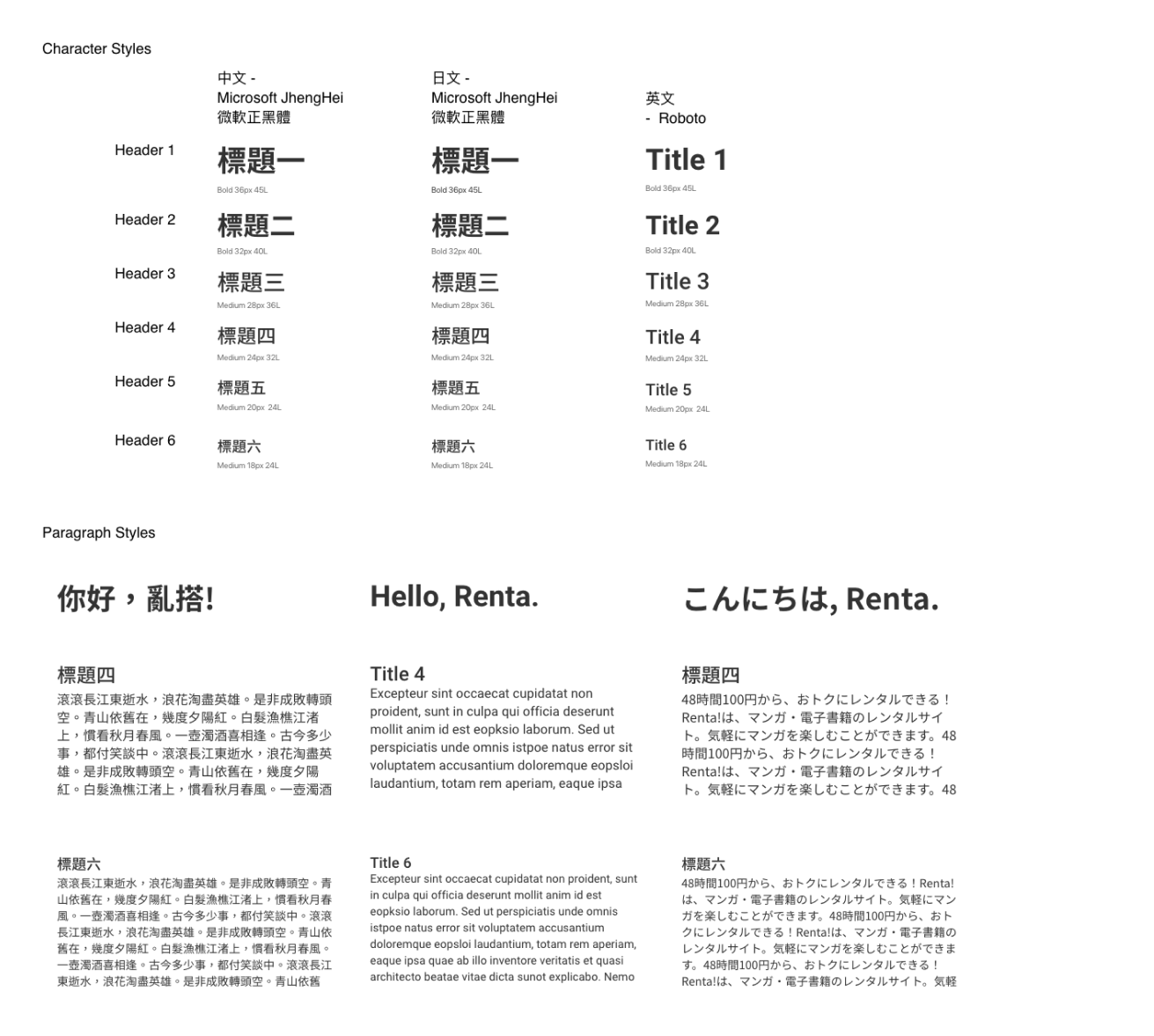
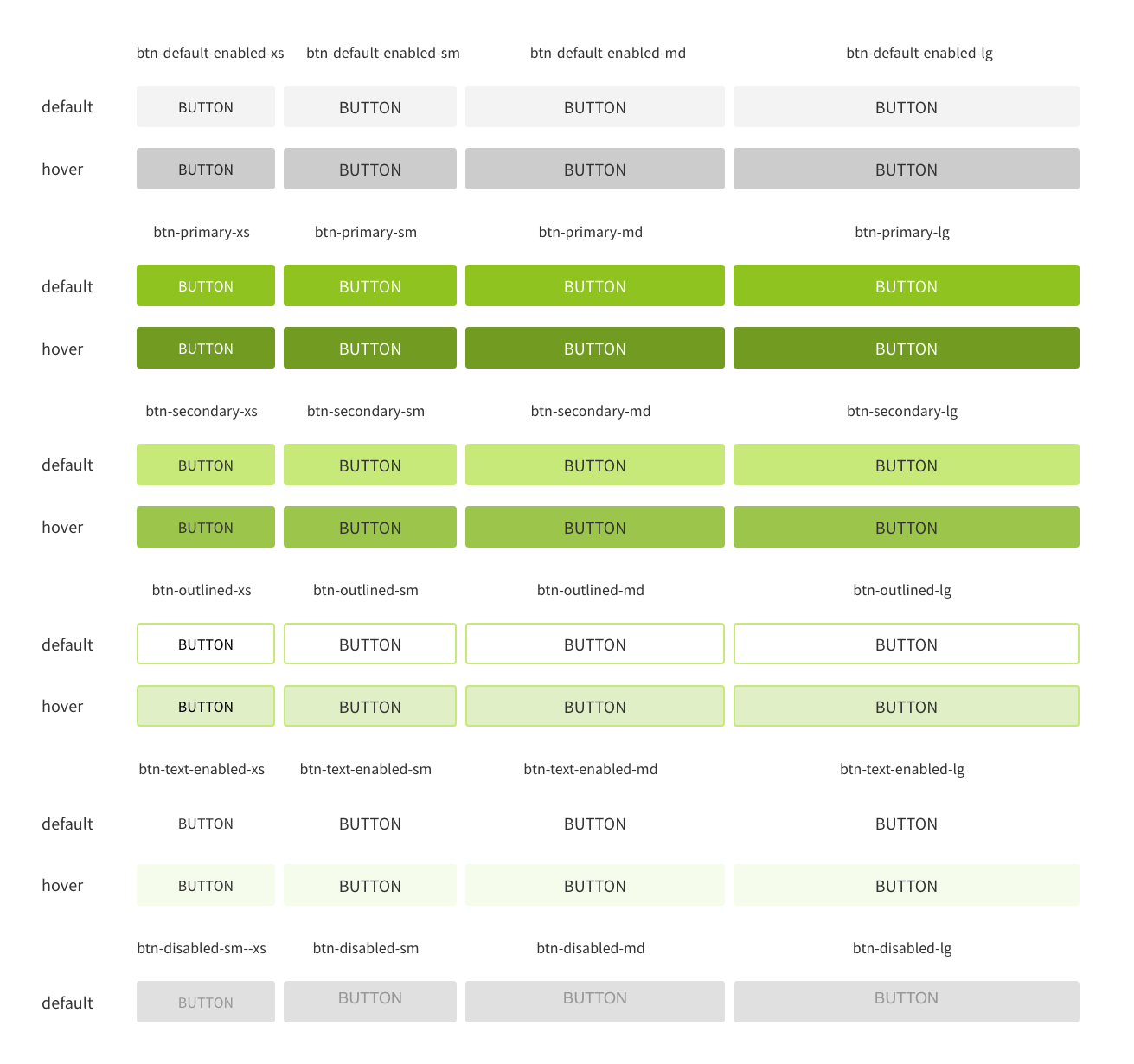
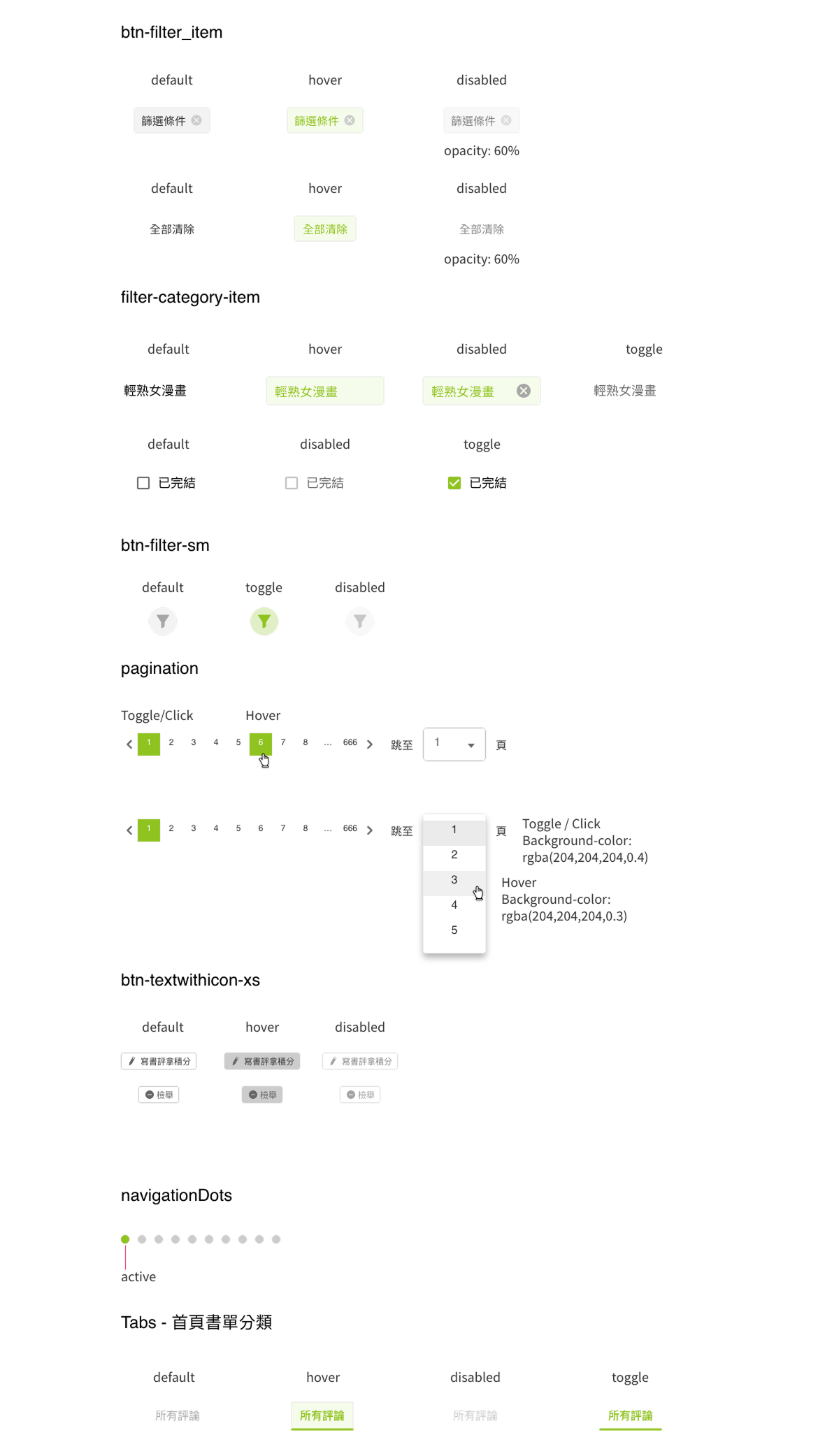
Design Guideline

1
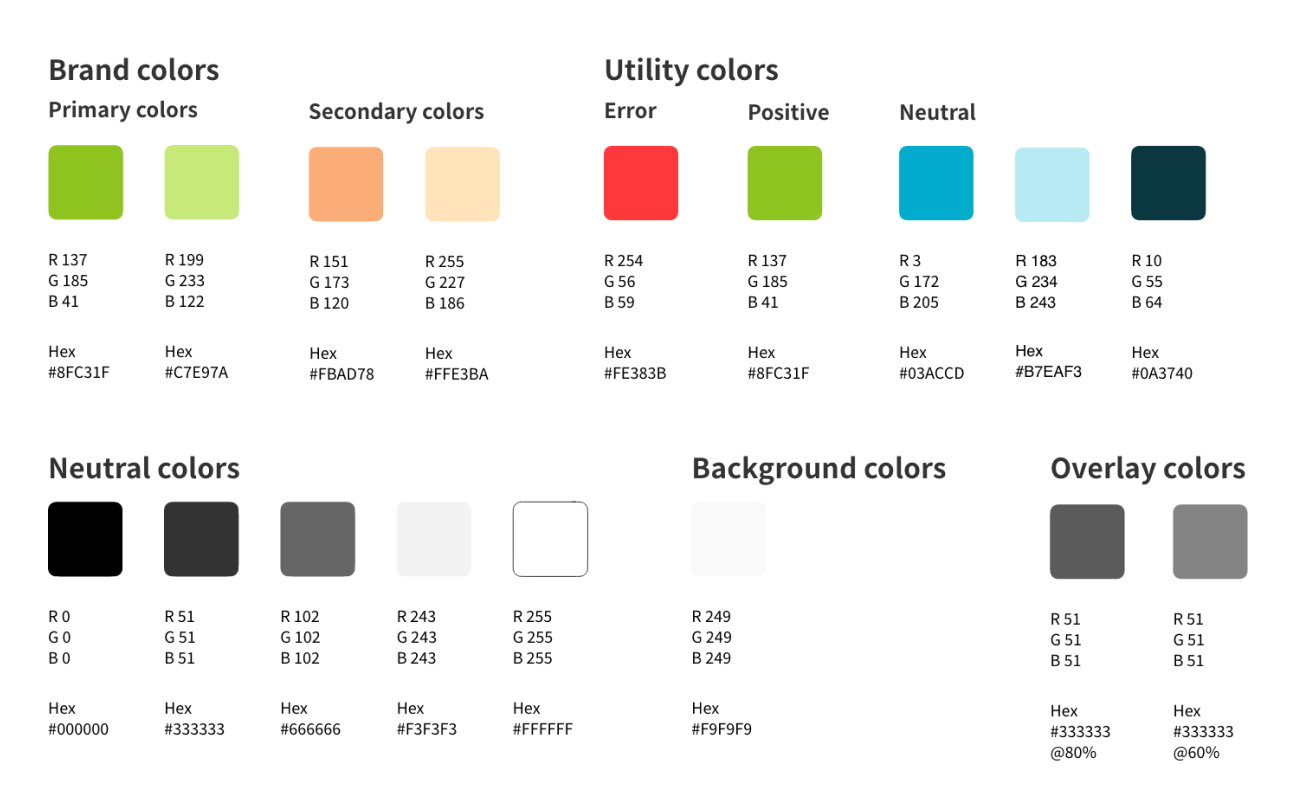
Systematically colors, define primary and secondary colors, as well as utility colors, to concentrate key information.
2
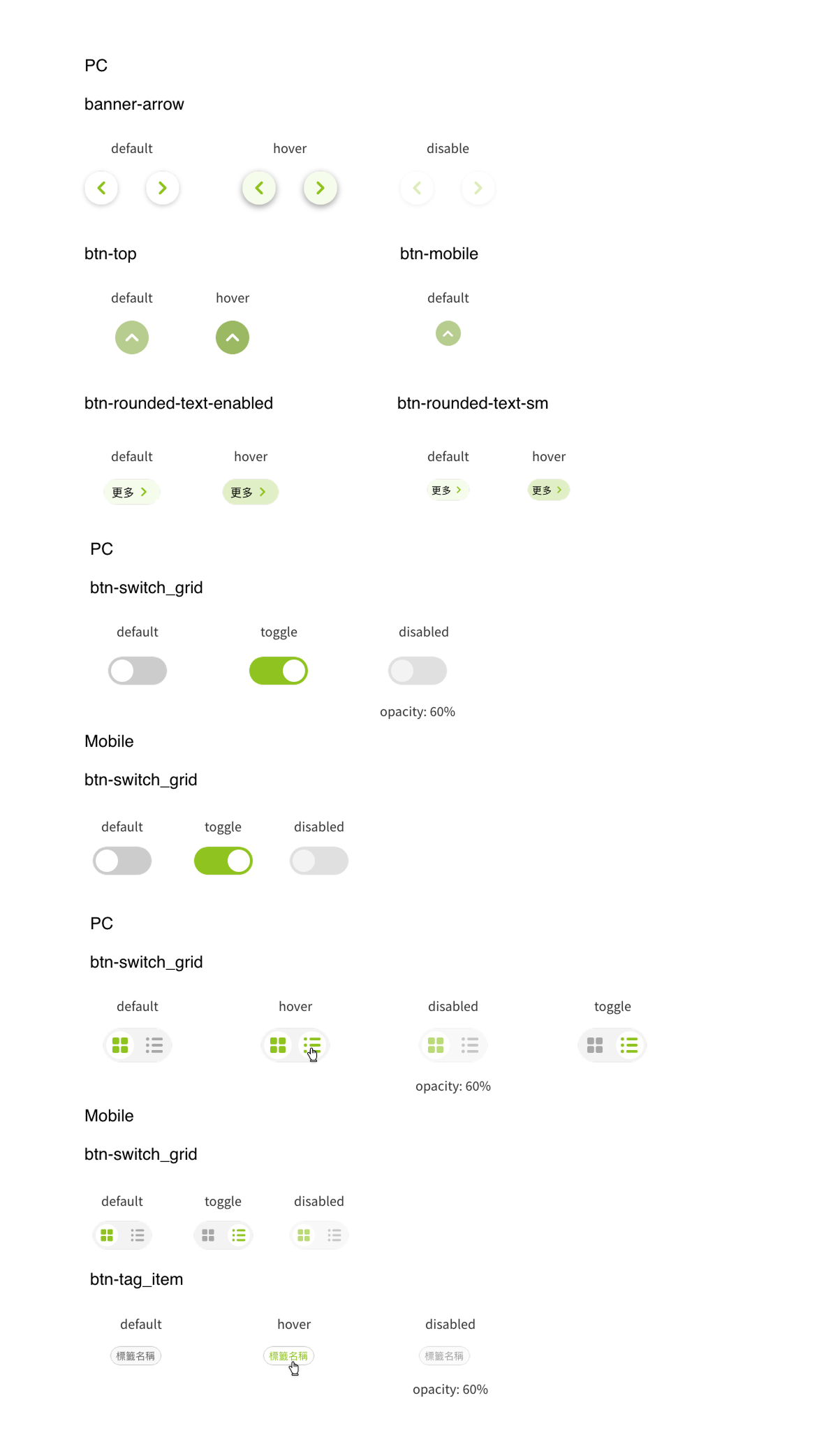
Modularize under existing design guidelines.
Layout

As the redesign is being carried out progressively, not all pages of the website will be redesigned. Therefore, the maximum width of the webpage will remain at 980px, along with the website's breakpoints. Considering the characteristics of the homepage, certain components of the page will be displayed in full width.
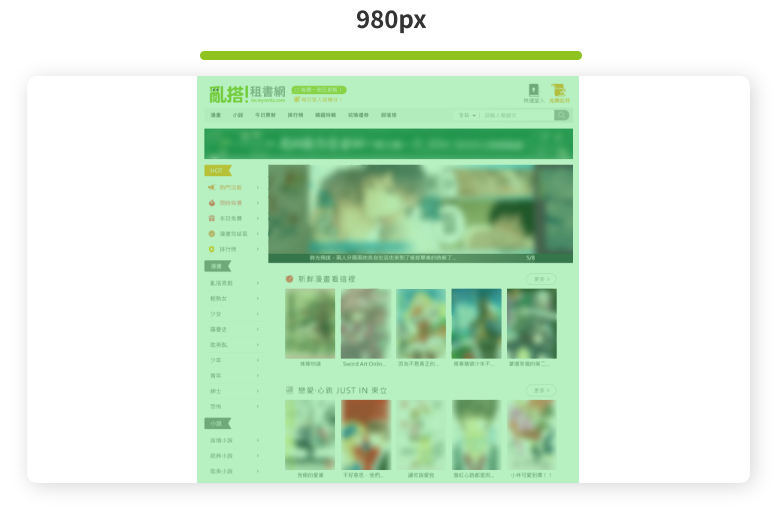
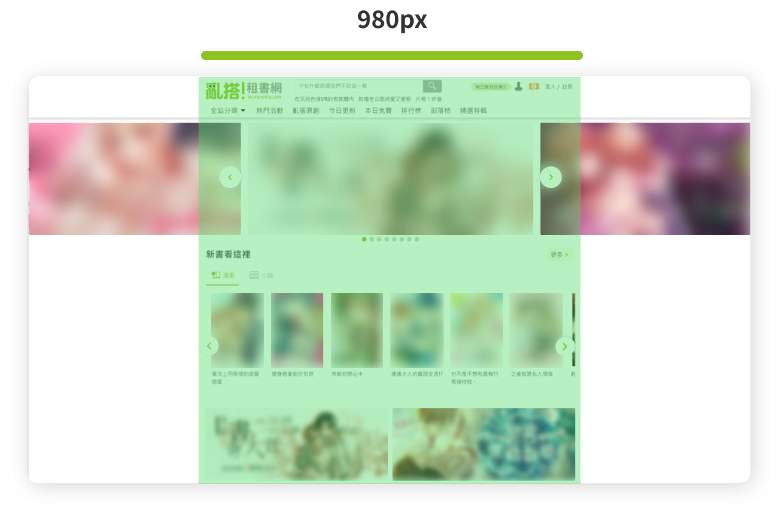
Before
After
Revamp of Price Button UI

To provide users with a diverse marketing model on the website based on the existing business model, improve sales pain points, and offer users more choices.

Before Jul 2020
After Jul 2020
After Sep 2022

Under the old website's pricing unit calculation, it was unable to provide users with more favorable discounted prices  (1 point = 10 NTD). We plan to revamp the credit system to one decimal place, making product prices equivalent to the Taiwanese currency unit  (0.1 point = 1 NTD), providing users with more discount options.

We adjusted button UI, expanded the price area, and iterated adjustments to fonts and color extensions.

Before Jul 2020
After Jul 2020
After Sep 2022

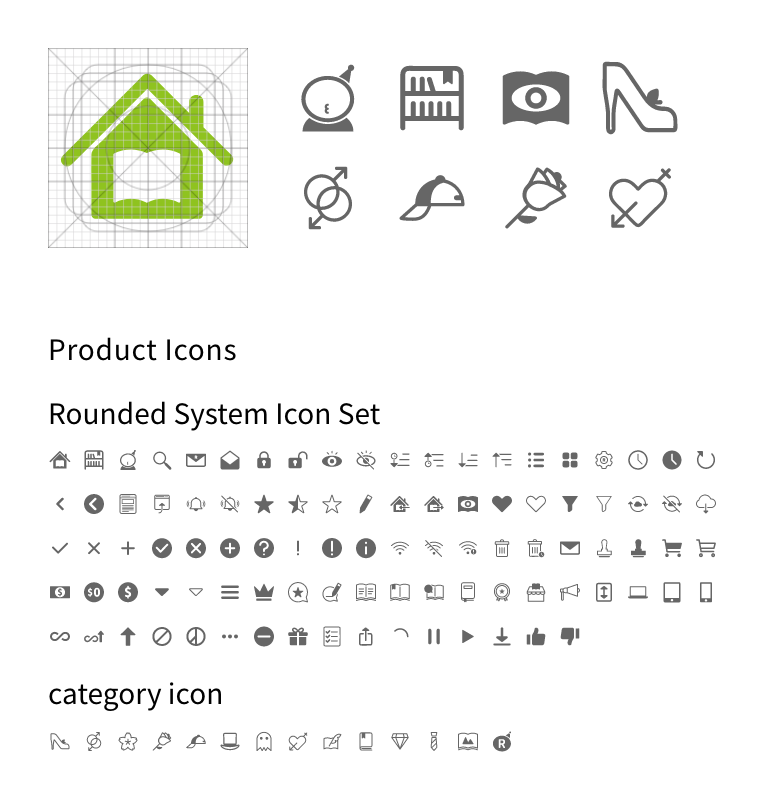
Iconography and Favicon

1
Round some corners to match the standard font round corner design of the logo system icon (for smoother visual flow and more eye-friendly sensation).
2
Hybrid flat design (semi-flat design: use partially realistic elements such as shadows, etc.).

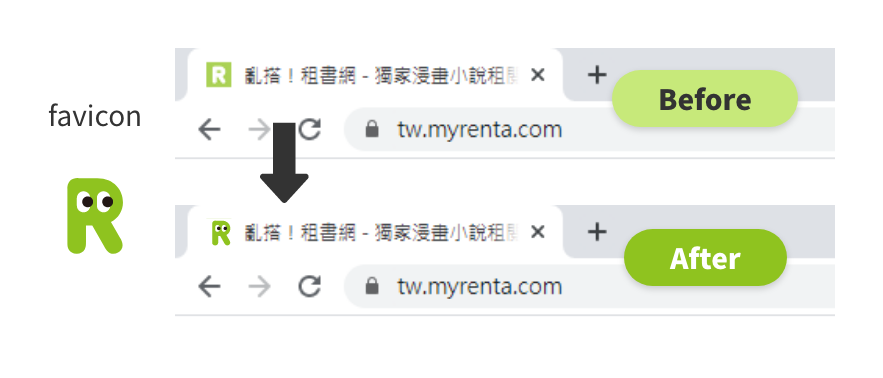
To reflect the same style as the brand logo, the favicon has been changed to match the design of the Japanese site's favicon, thereby maintaining a consistent brand style.
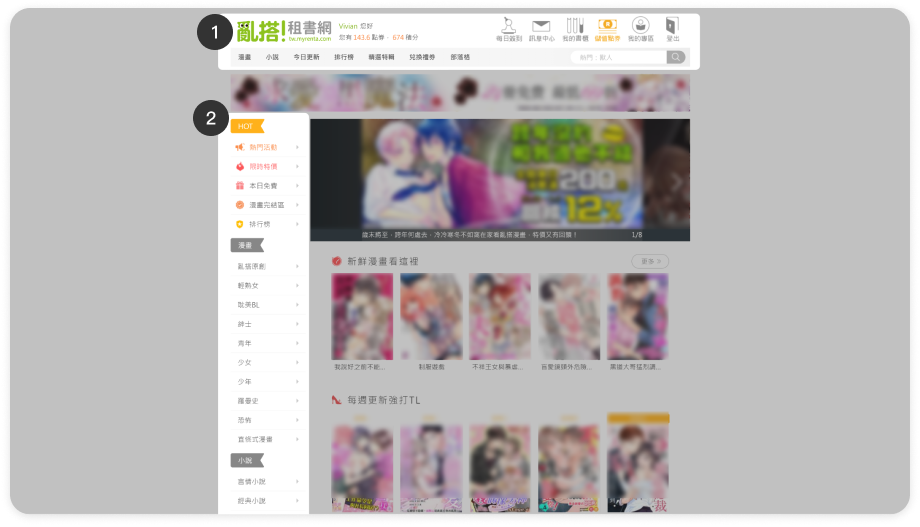
Redesign UI

Header for PC

Before
User - Visitor
User - Member
After
User - Visitor
User - Member
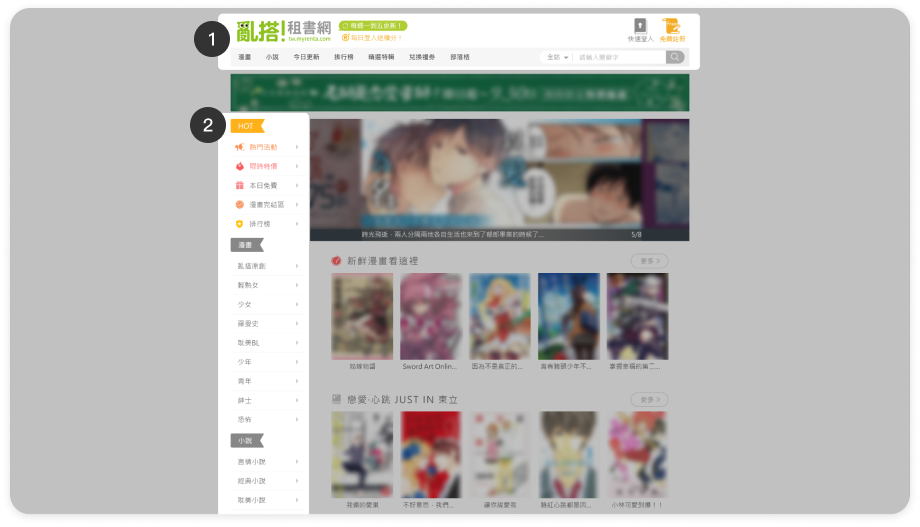
1
New fixed header:

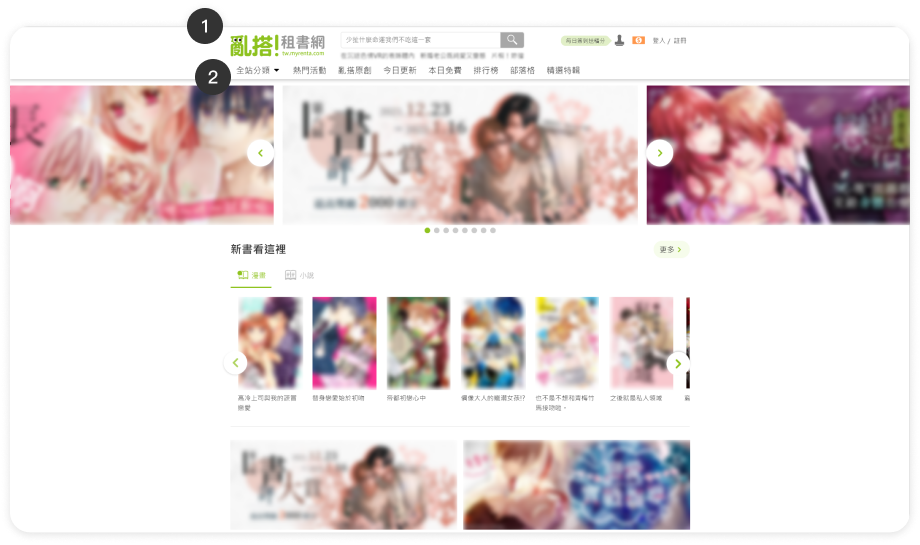
The old header did not remain fixed when scrolling through the page. The new header is fixed at the top of the interface when scrolling, facilitating user interaction with the website.
2
Removal of the old page's side menu:
Relocation of redundant header content.
Some adjustments have been made to the display positions of certain information:
  • Category menu: Moved to the header's category hover menu.
  • Blog articles: Moved to the index content.
  • Brand social information: Moved to the footer.
  • Due to the limited usage of "Voucher Redemption," which is exclusive to members, UX adjustments have been made to remove voucher redemption. It has been relocated to the "My Account" menu page for display.
Before
User - Visitor
After
User - Visitor
3
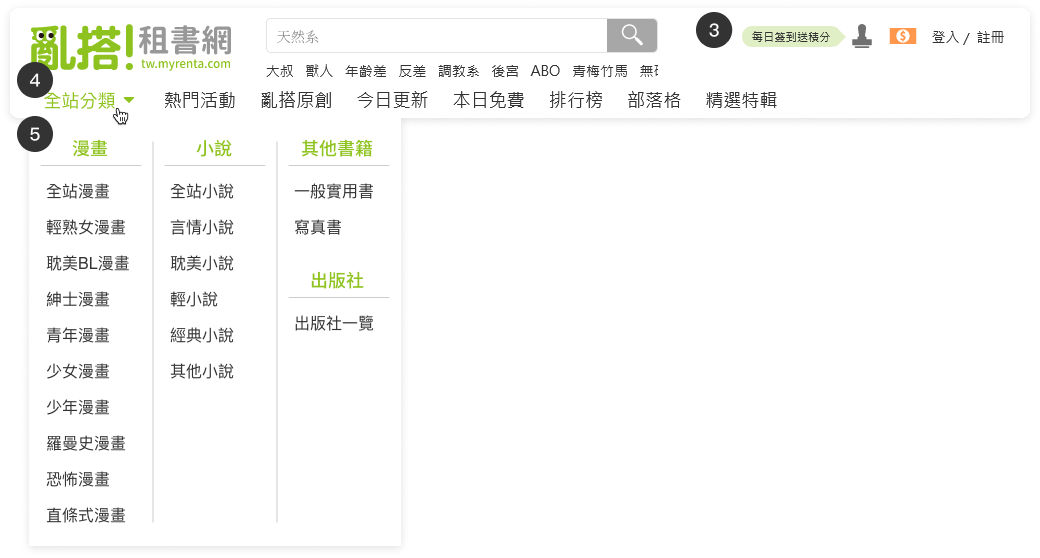
Header for users who are not logged in :
Show the information below.
  • Search bar & hot keywords.
  • "Log In / Register" text buttons.
  • Buttons redesigned as icon buttons to reduce space usage.
  • New "Check-in" and "Top-up" icon buttons added to guide users to the login process when clicked.
4
The bottom menu of the header :
Show the information below.
  • Site-wide category hover menu (merging the original categories of comics and novels).
  • Menu items arranged with the brand's main pages first, followed by others based on page traffic.
  • The free page is the most active item clicked by users (regardless of its placement). Its menu order is placed in the middle.
5
Show category items in category hover menu.
When scrolled down, hide the popular keywords, reduce the height of the logo, and minimize the screen space occupied by the fixed header.
Before
User - Member
After
User - Member
6
Header after login :
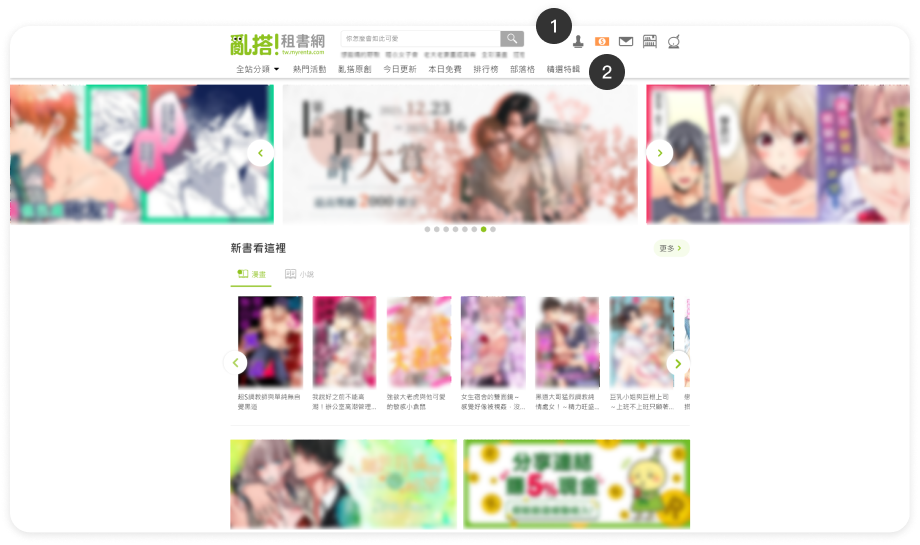
Convert buttons to icon buttons to reduce space usage, rearrange the menu order, and embed the "Log out" button in the hover menu.
7
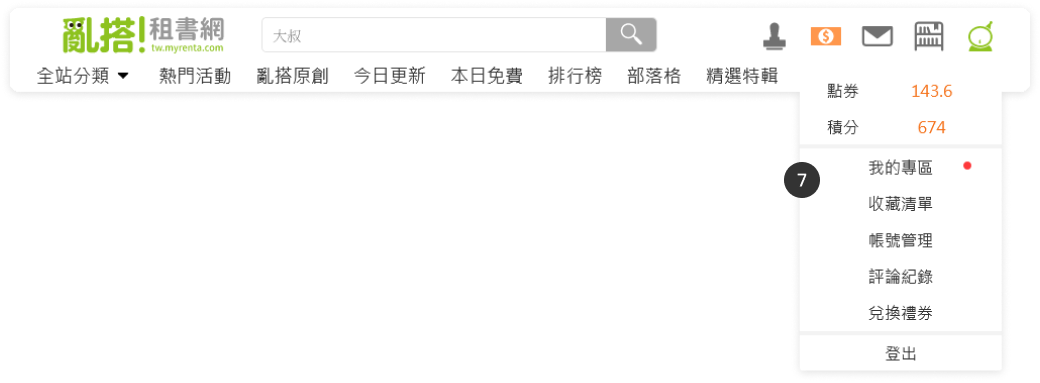
Add a "My Account" hover menu :
  • Display the member's coupon and point information that was shown in the old version of the header.
  • Arrange the menu items based on page usage.
  • Move the coupon redemption to "My Account".

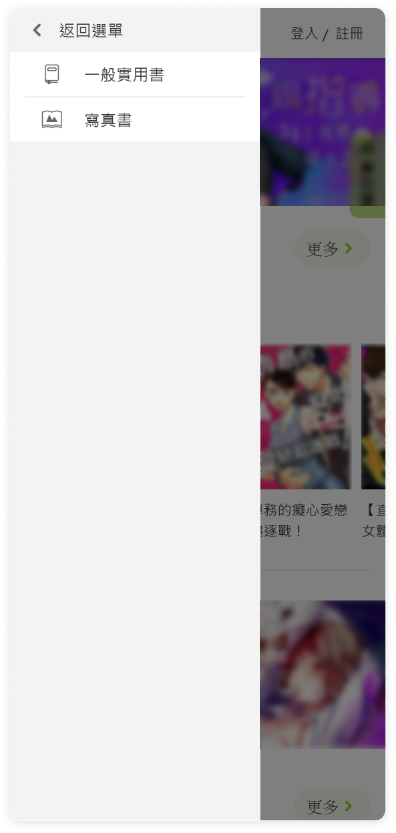
Header for mobile

Before
User - Visiter
User - Member
After
User - Visiter
User - Member
User - Visitor
User - Member
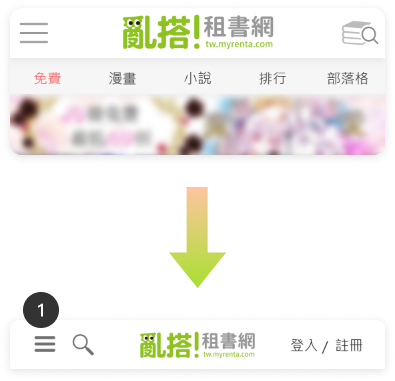
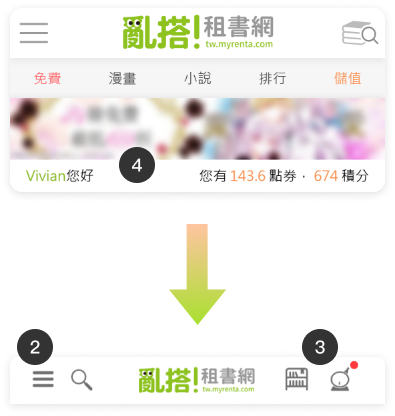
1
Visitors' header :
Display "Login" & "Register" text buttons externally to reduce user login levels. (The original login button is hidden in the menu)
2
Members' header :
"Bookshelf" & "My account" icon buttons are displayed externally to reduce user login levels.
Make the "Bookshelf" entrance external for easier access to reading for users.
3
Notification indicators for notifications.
4
Member coupons and points information are moved to the member area to avoid occupying space on each page.
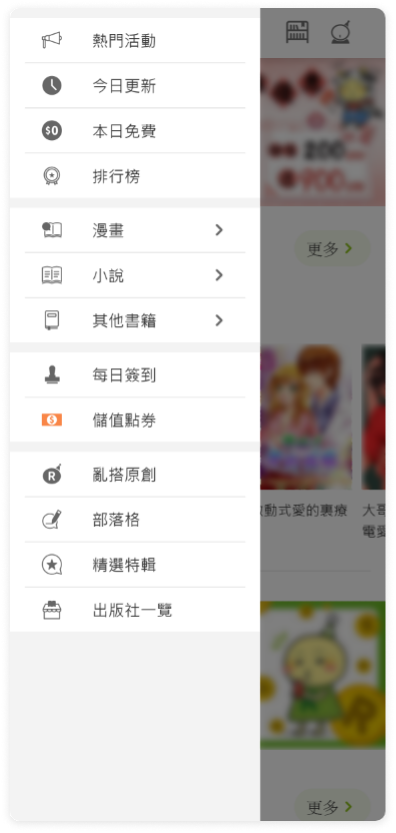
Header menu for mobile
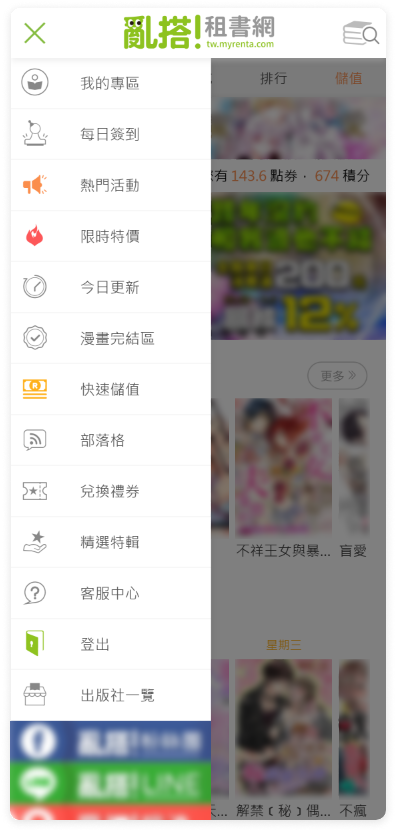
Before
User - Visiter
User - Member
After
User - Visiter
User - Member
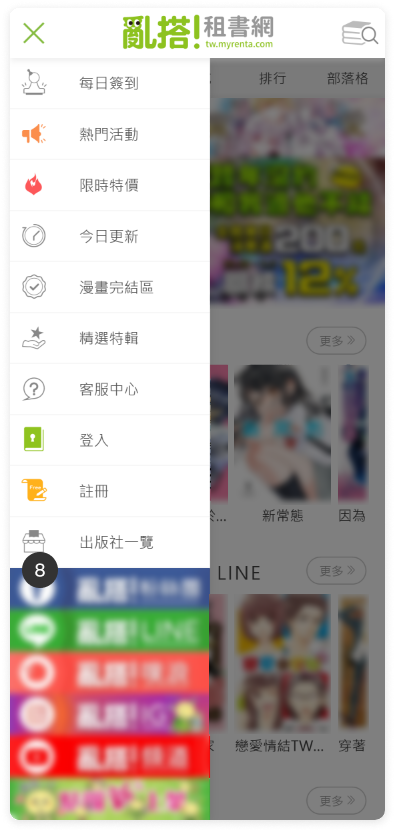
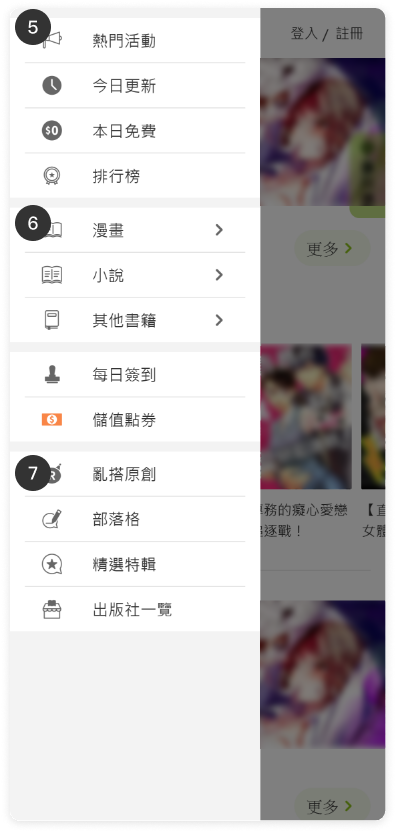
5
Menu
  • To enhance maintainability by displaying the same menu content before and after login.
  • Move "My Account" out of the menu, and relocate the "Logout" entry and "Coupons" to the "My Account" page.
  • Simplify icon usage colors.
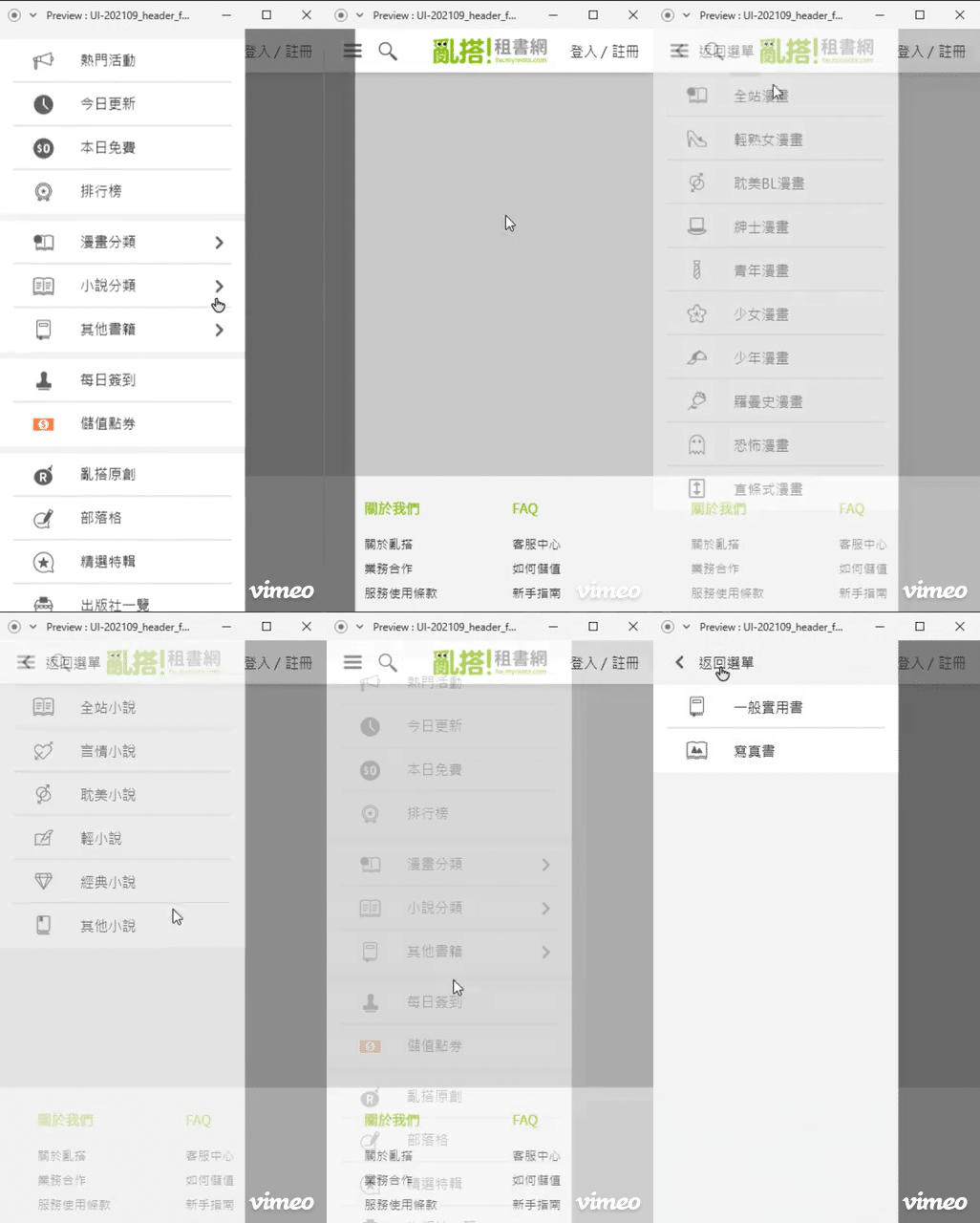
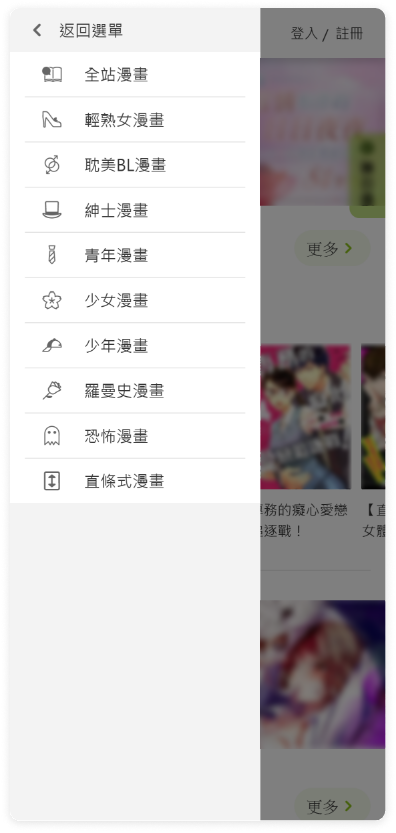
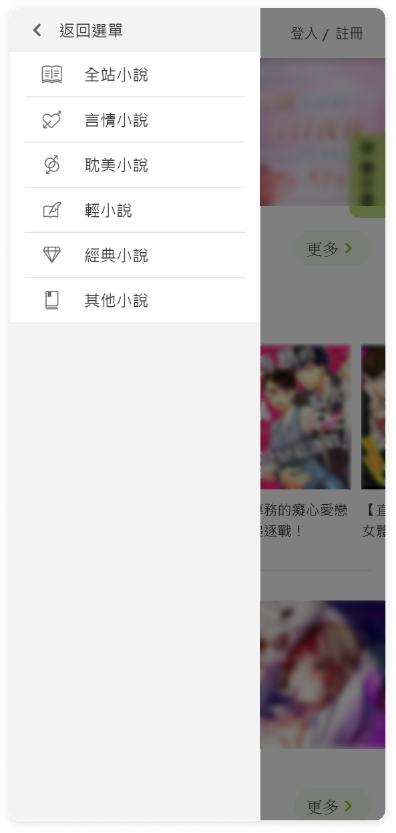
6
Add a secondary submenu for category.
7
Display secondary pages entry at the bottom.
8
Move social media information and customer service into index content and the footer.
Header category submenu for mobile
Prototyping
Category - Comics
Category - Fictions
Category - Others

Footer

Before
PC
After
PC
Before
PC
After
PC
Before
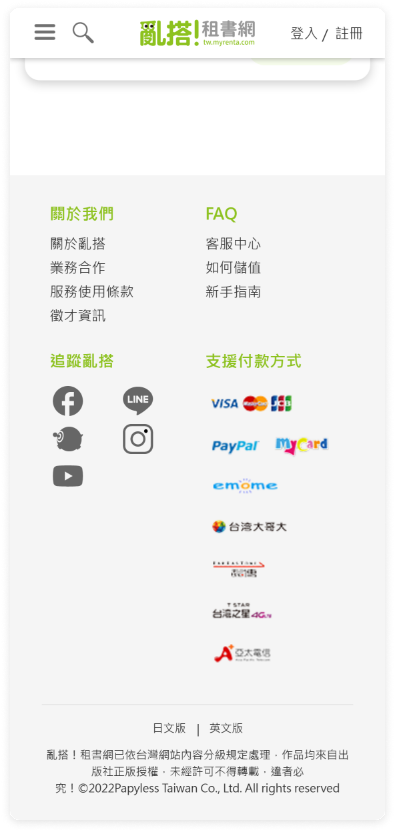
1
Old footer :
  • Information not categorized.
  • No brand partnership information, recruitment information.
  • No social media information.
After
2
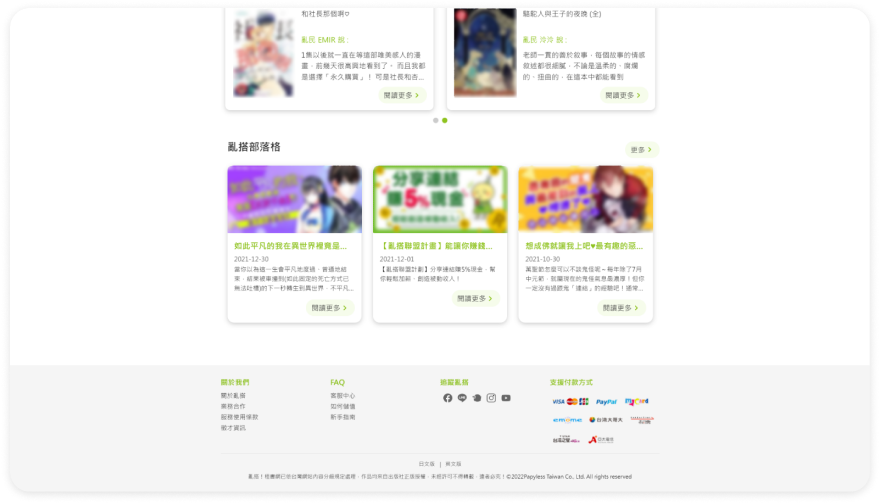
New footer :
Organize website branding and customer service information, categorize the information, and add social media links.

Index for PC

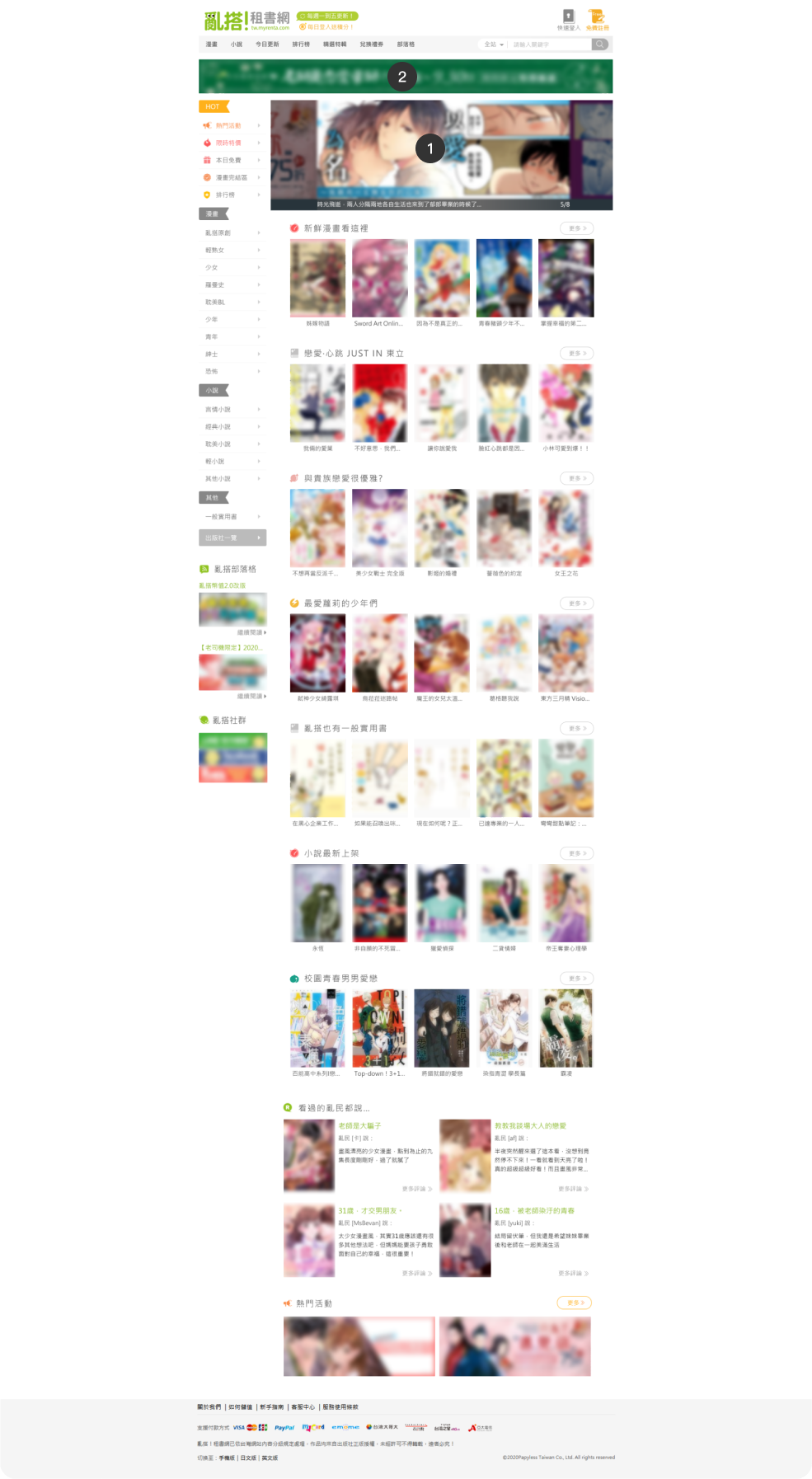
Before
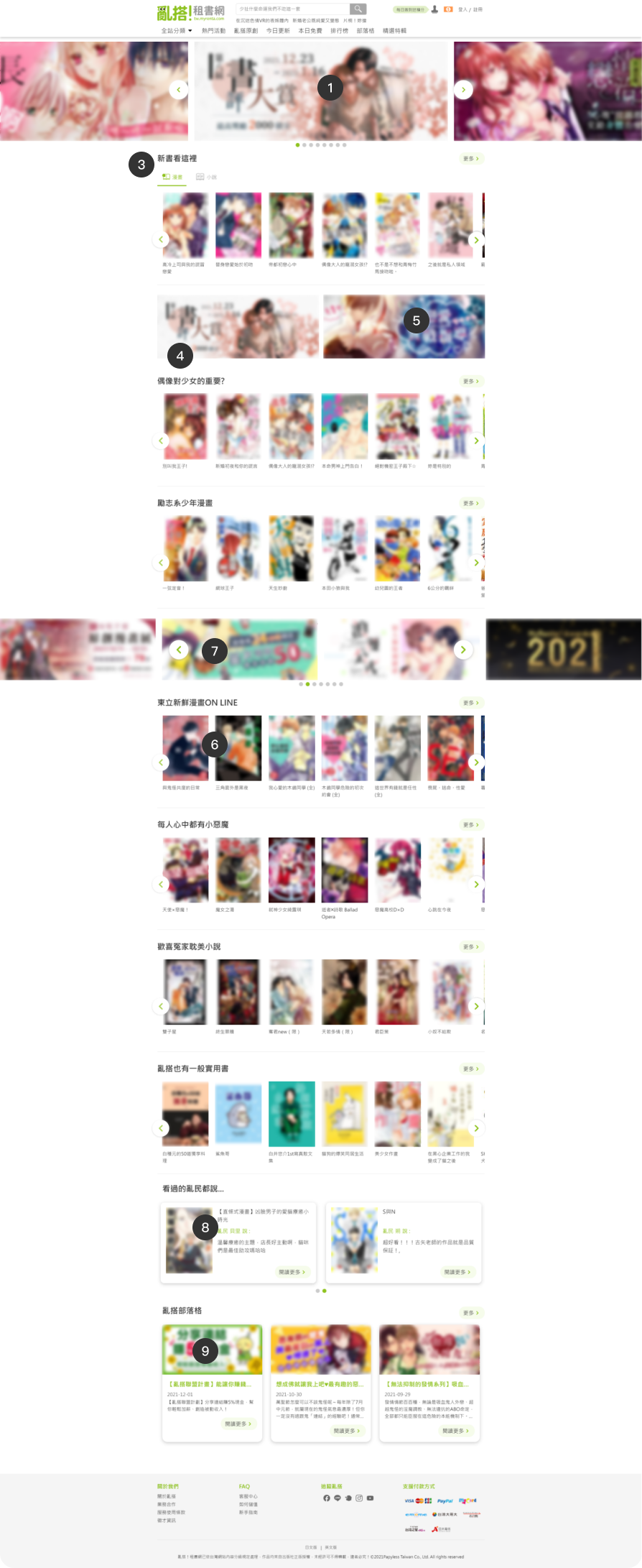
1
Big banners area:
The banners display to full screen, removing the old side menu bar, expanding the display area to show nearly 3 banners at a time. The carousel design pauses when the mouse hovers over it.
2
Removed the long banners after redesign
Remove the long banners at the top, as its function is the same as the rotating banners, and with the expanded display area, it is no longer needed.
After
3
New book list with tabs:
The design of the new book list component allows for content switching tabs, with priority given to displaying comic book lists.
4
The index content display alternates between book lists and banners, increasing content richness and reducing visual fatigue.
5
Secondary banners area:
Less important banners are fixedly displayed in the third section.
6
Others book lists area:
Others book lists display based on the selected books for the period, with the ability to browse by swiping left or right. The number of books in the horizontal list is increased by 1 compared to the old version (from 5 to 6 books).
7
Others banners:
Move the popular events banners from the bottom to the top, interspersed with book lists, and change to automatic carousel display (originally only fixed display of 2 banners).
8
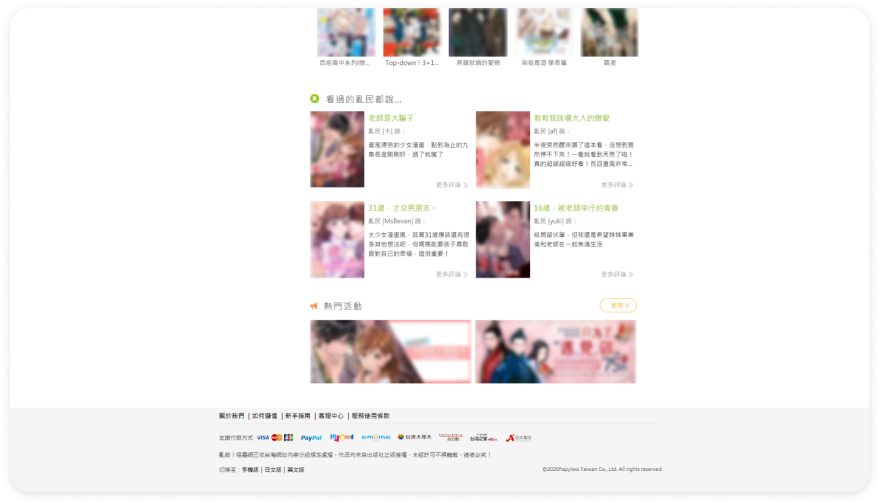
Readers comments:
Display book lists recommended by user reviews, user can browse left or right.
9
Blog posts:
Display blog posts, with articles previously shown in the sidebar of the old version now displayed at the bottom of the index content.

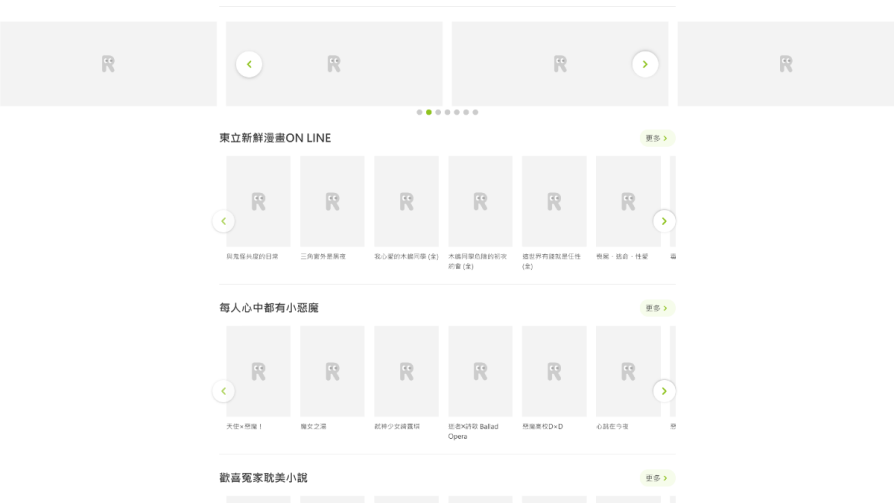
Loading Image Status
Using the website logo as the image loading indicator to enhance the brand image.

Index For Mobile

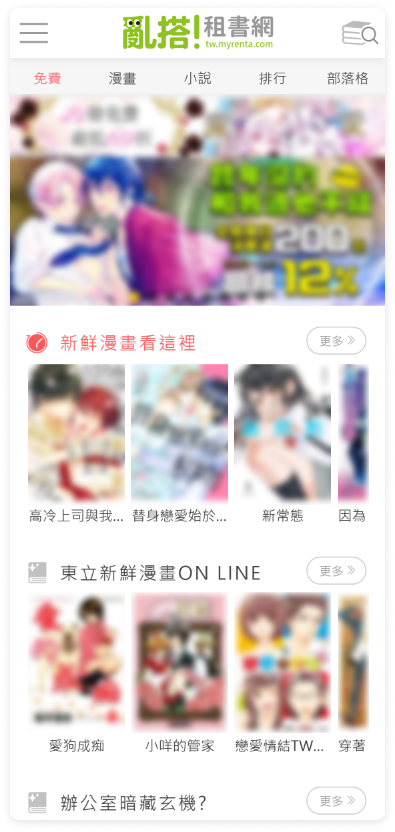
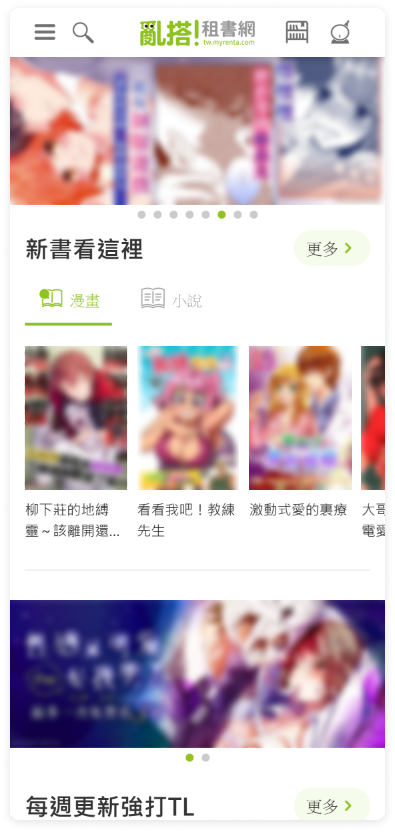
Before
After
1
Automatic banner carousel
2
Removed the long banners after redesign:
Remove the top long banner because its function is the same as the carousel banner.
3
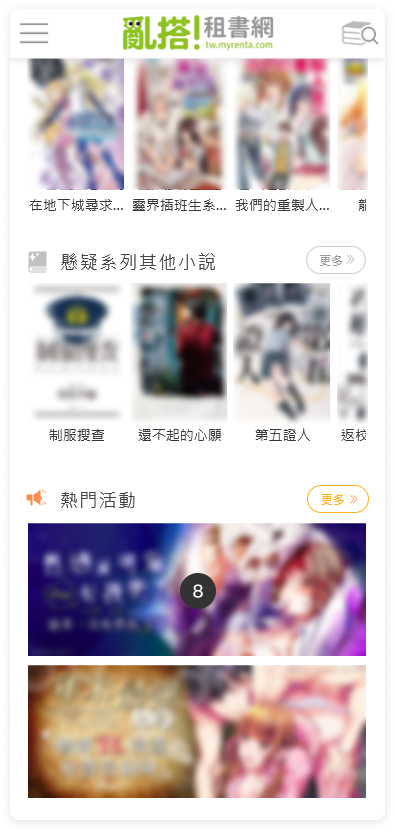
New book list with tabs:
The new book list component is designed as tabs with switchable content, prioritizing the display of comic book lists.
4
The index content display is designed to alternate between book lists and banners, increasing content richness and reducing visual fatigue.
Before
After
5
Display book lists based on the current selection, with the list designed for horizontal scrolling
Before
After
6
Readers comments:
Display user-recommended book list content, with left and right navigation, not shown on the old mobile index
7
Blog articles:
Display blog articles, not shown on the old mobile index, newly added at the bottom of the index content
8
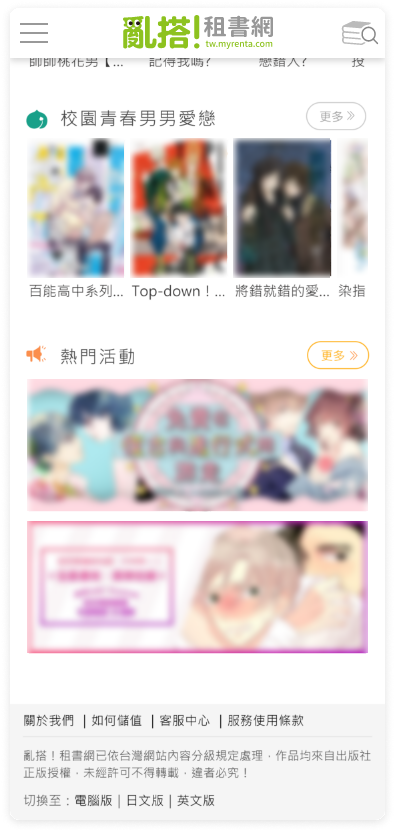
Moved the position of small banner:
Move the popular event banner from the bottom to the top and intersperse it with book lists, and change it to automatic carousel display (originally only fixed to display 2 images)

Member's Account Page

Study

From Google Analytics, querying the subpage traffic ratio under the "Member Area," pages with higher traffic are those more frequently used by users. This is used to adjust the sorting of the Member Area page menu.
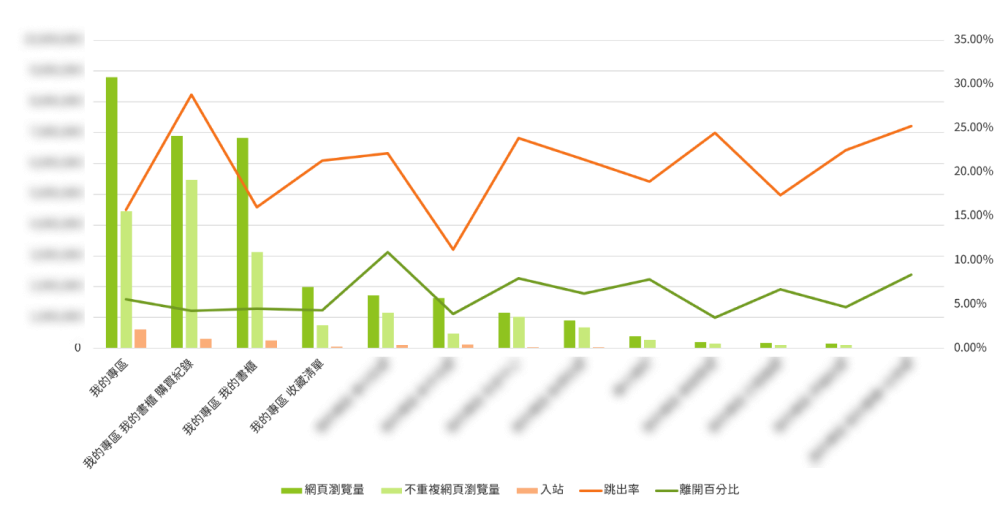
(date statistics are based on cumulative traffic over the past four years)
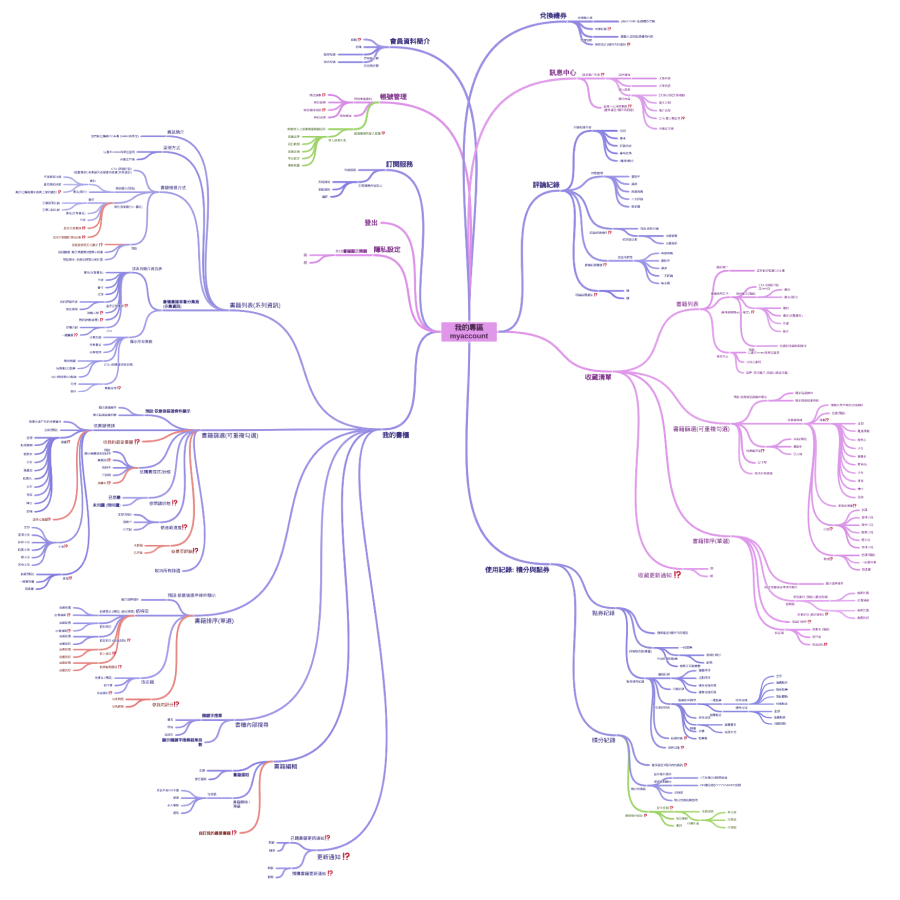
Functional map
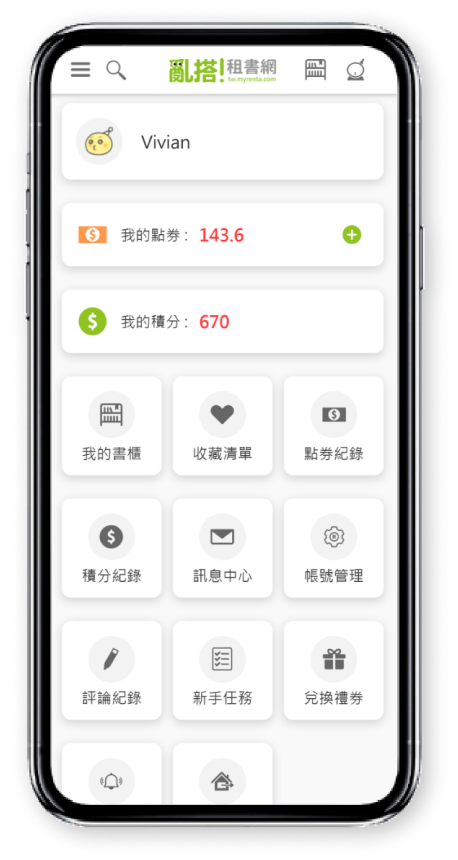
Member's account page UI
Before
PC
After
PC
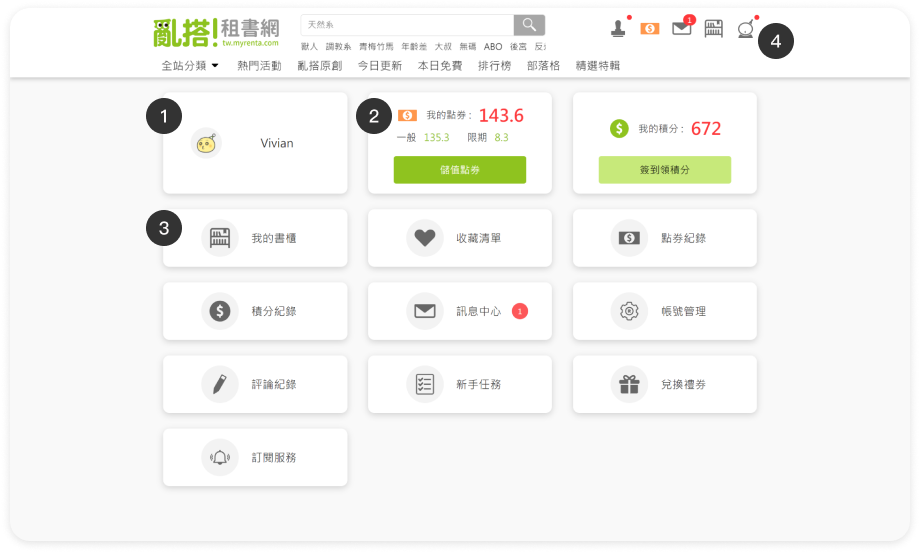
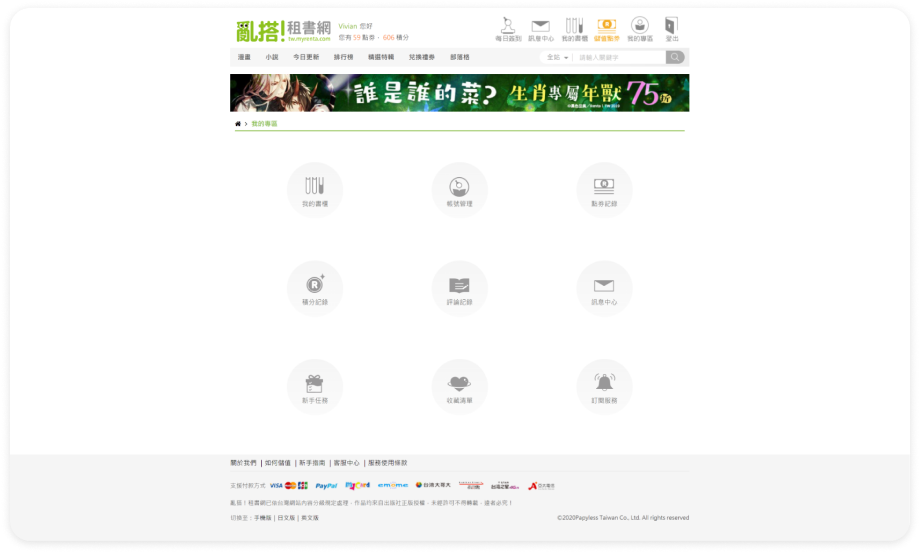
1
Display on the "My Account" menu page: Member information, considering future expandability:
  • Member nickname
  • Membership level
  • Currently, the avatar is not editable, only for display.
    Future plans : Ability to edit and upload avatars or display membership level images.
2
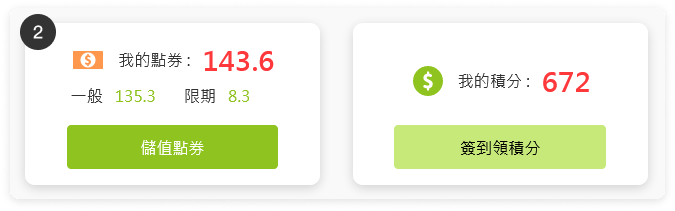
Change the display of member points information, originally shown in the header after login, to be displayed on the "My Account" page and the "Member Hover Menu," with the addition of auxiliary buttons (Top-up Points / Check-in to Earn Points).
3
Sort the order of each button according to user usage rates.
4
Items already displayed in the header will not be duplicated in the hover menu, and the "Logout" option will be embedded within the menu.
Before
Mobile
After
Mobile
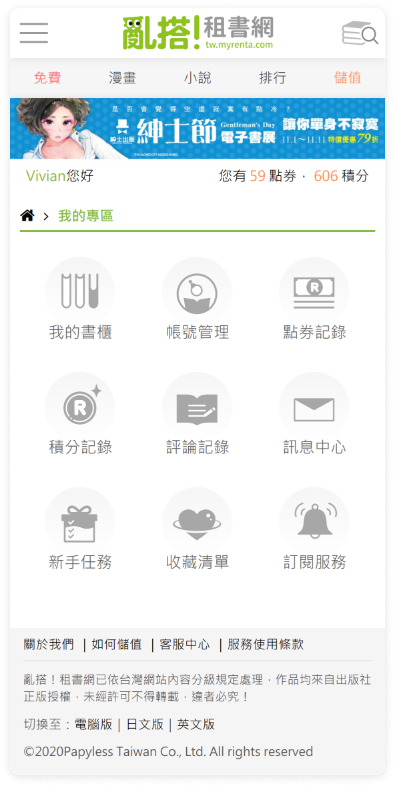
5
Display member profile same as PC version.
6
Change the display of member points information, originally shown below the header after login, to be displayed on the "Member Area" page, and add an auxiliary icon button (Top-up Points).
7
Sort the order of each button according to user usage rates.
8
Indicate menu notifications with a red dot.
9
Add a "Logout" option to the mobile menu.
亂搭!租書網已依台灣網站內容分級規定處理,作品均來自出版社正版授權,未經許可不得轉載,違者必究!
©2022Papyless Taiwan Co., Ltd. All rights reserved
← Prev projectNext project →

Get in touch

I am open to new jobs and new projects !